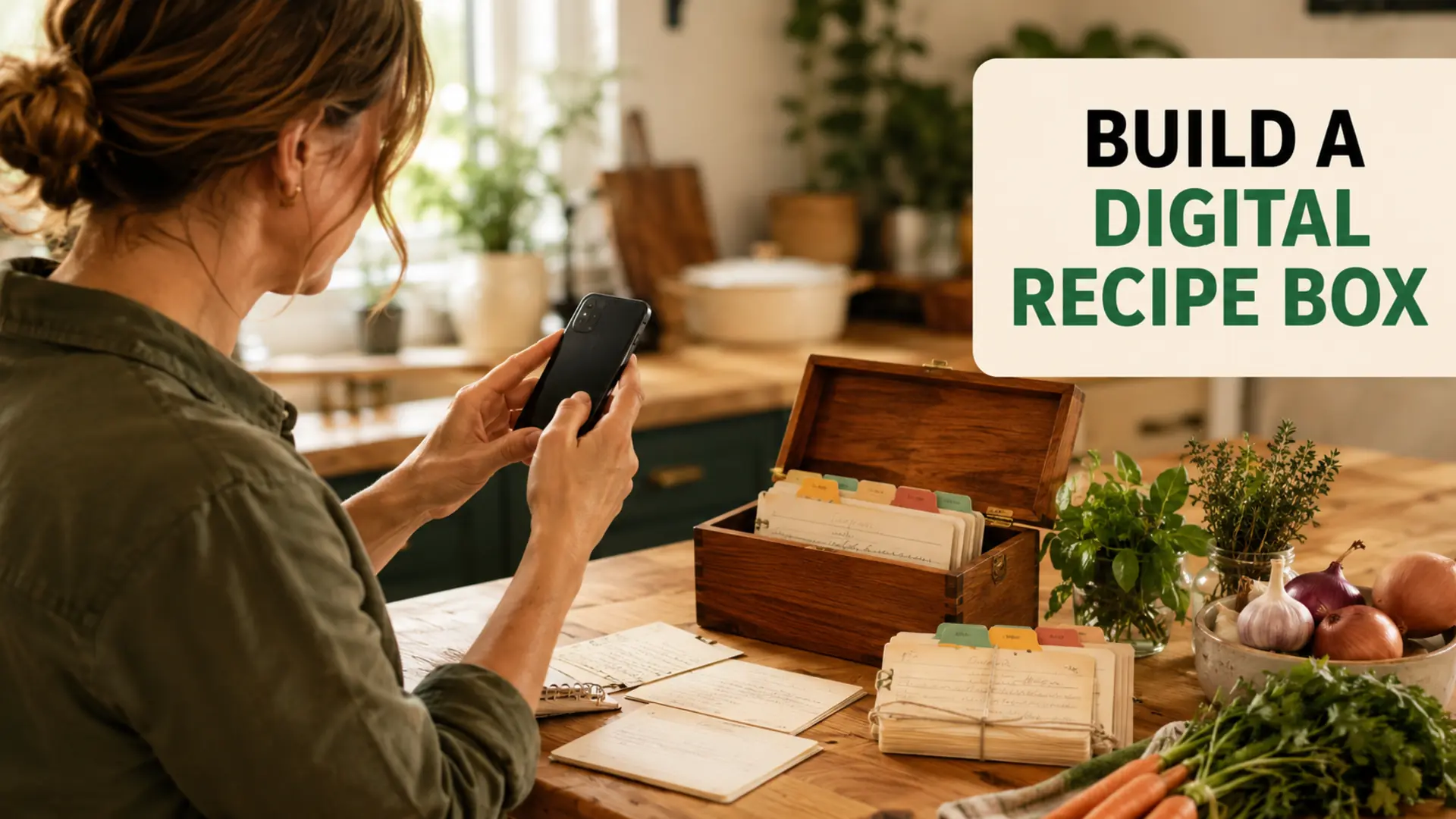
A digital master recipe box is one organized collection of the recipes your household actually uses. Instead of searching through screenshots, browser bookmarks, notebooks and loose cards, you keep dependable recipes in a consistent format that is easier to search, plan from and update.
The system does not require a specific app. You can build it in a notes tool, document folder, spreadsheet, recipe manager or another platform you can access and back up. The best choice is one you will continue using after the initial setup.
What Belongs in a Digital Master Recipe Box?
Your master collection should contain tested recipes, useful notes and enough information to cook the dish again. It does not need every recipe that ever caught your attention. Keeping untested ideas separate prevents the main collection from becoming another cluttered bookmark list.
- Core recipes: dependable meals cooked regularly
- Seasonal recipes: meals tied to weather, celebrations or available produce
- Occasional favourites: baking, entertaining and special dishes
- Recipes to test: a separate queue that has not yet earned a place in the master box
Move a recipe into the permanent collection after you have cooked it and recorded any changes that made it work for your household.
Choose a Format You Can Search and Back Up
Before importing anything, decide where the recipe box will live. Compare options based on everyday use rather than the longest feature list.
- Can you search recipe titles, ingredients and tags?
- Can you use it on the devices available in your household?
- Can you export or back up the collection?
- Can you add photographs or scans of handwritten cards?
- Can more than one person access it when appropriate?
- Will the format remain readable if you stop using that service?
A simple folder of consistently named documents can work well. A spreadsheet may suit people who value filtering. A dedicated recipe tool may offer a more guided layout. Whichever format you choose, keep a backup in a common file format when possible.
Gather Recipes Without Organizing Them Yet
Create one temporary intake folder and collect the scattered sources. Include handwritten cards, printed pages, saved links, personal documents, cookbook references and screenshots. At this stage, the goal is visibility—not perfect organization.
- Photograph fragile or stained family recipe cards.
- Save links with the recipe title and source name.
- Note the cookbook title and page instead of copying material unnecessarily.
- Remove obvious duplicates.
- Separate trusted recipes from ideas you have never cooked.
Respect the original creator’s work. Keep source attribution with recipes found online or in books, and do not republish someone else’s full recipe without permission. A personal index can link back to the original source while preserving your own cooking notes.
Standardize Every Recipe Entry
A consistent template turns a pile of recipes into a useful database. Use the same basic fields even when some entries are blank.
- Recipe title
- Original source and link or book reference
- Servings or approximate yield
- Ingredient list with clear quantities
- Instructions in the correct order
- Equipment that is genuinely important
- Preparation and cooking notes
- Dietary or allergen notes based on the actual ingredients
- Date last cooked
- Household rating and changes to repeat next time
Do not guess missing measurements or safety instructions. Return to the original source or mark the information as unresolved until you can test it.
Use Simple Names and Useful Tags
Name recipes the way you would search for them. “Weeknight tomato lentil soup” is more useful than “That good soup.” Add only tags that help you make a decision.
- Main ingredient or protein
- Meal type, such as breakfast, lunch or dinner
- Cooking method, such as sheet pan, slow cooker or no-cook
- Freezer-friendly or make-ahead
- Season or occasion
- Dietary category when verified from the recipe
A small, controlled tag list is easier to maintain than dozens of overlapping labels. Choose one term for each idea and use it consistently.
Test Recipes Before Calling Them Favourites
Keep untested recipes in a separate queue. After cooking one, note whether the quantities, instructions and timing worked in your kitchen. Record substitutions, serving changes and what you would do differently.
If an ingredient is difficult to find, these ingredient-swapping tips can help you evaluate replacements by function. Avoid changing several important ingredients at once when you want to understand what affected the result.
Connect the Recipe Box to Weekly Meal Planning
The recipe box becomes valuable when it supports real decisions. Search the collection for meals that match the week, then copy the required ingredients into the grocery list and remove anything already available.
- Review the week’s schedule and choose realistic meals.
- Select recipes from the trusted collection.
- Check pantry, refrigerator and freezer stock.
- Combine duplicate ingredients and quantities carefully.
- Add only missing items to the grocery list.
Use the guide to planning 21 meals a week when you want a repeatable breakfast, lunch and dinner framework. For the shopping step, see how to make a grocery list.
Build Small Recipe Collections for Busy Weeks
Create a few saved groups that solve common planning problems. Examples include quick dinners, freezer options, low-prep breakfasts and meals that reuse the same produce. These collections should point to the master entries instead of creating duplicates.
For an easy starter collection, use the 5-ingredient sheet pan dinner guide. A defined cooking method makes recipes easier to compare and shop for.
Maintain the Digital Master Recipe Box
A useful collection needs light maintenance. Set aside a few minutes after cooking or during meal planning to update one or two entries.
- Remove broken links or replace them with updated sources.
- Add notes from the latest time you cooked the recipe.
- Archive recipes the household no longer wants.
- Merge duplicates instead of keeping competing versions.
- Back up the collection regularly.
- Check access permissions before sharing personal family material.
Start With Ten Trusted Recipes
You do not need to digitize everything in one weekend. Begin with ten meals you know and cook. Standardize those entries, use them in a weekly plan and adjust the template based on what information you actually need.
A digital master recipe box works best as a practical kitchen reference, not a storage project. Keep trusted recipes searchable, preserve their sources, record useful changes and connect them to the way your household plans and shops.
Frequently Asked Questions
What is a digital master recipe box?
It is one searchable collection of recipes you actually use, with consistent ingredient lists, source references and cooking notes. Keep untested ideas in a separate queue. The aim is to make dependable recipes easy to retrieve when planning meals, not to save every recipe you encounter.
What is the easiest way to organize recipes digitally?
Begin with ten familiar recipes in a notes app, document folder or recipe manager you already understand. Use the same entry format and descriptive titles. Add only a few useful categories, then test whether you can find a meal quickly before importing a larger collection.
What information should every digital recipe entry include?
Record the title, original source, servings, ingredient quantities, instructions and important equipment. Add your own notes about changes and the date you last cooked it. Keep unresolved measurements clearly marked so a missing detail does not silently become an unreliable shopping quantity.
How do I digitize handwritten family recipe cards?
Photograph or scan each card clearly, then transcribe the text if you want searchable ingredients and instructions. Keep the original image alongside the transcription. Check every quantity and abbreviation manually rather than trusting text recognition to interpret a faint measurement correctly.
What recipe tags are worth using?
Choose tags that help answer practical questions, such as main ingredient, cooking method, meal type or occasion. Use consistent terms instead of several near-duplicates. A small tag set is easier to maintain and makes filtering more useful than a long list of vague labels.
Can I use a spreadsheet as a digital recipe box?
Yes. A spreadsheet works well as an index with recipe names, links, serving counts, tags and your notes. Keep detailed instructions in linked documents if long text becomes difficult to read. Choose a layout you can use comfortably on the device you cook from.
How do I back up a digital recipe collection?
Choose a tool that lets you export your data, then keep a separate copy in a readable format. Include important images as well as recipe text. Check a sample exported recipe to confirm the quantities and instructions are present before relying on the backup.
How do I avoid duplicate recipes in my digital collection?
Search by title and source before creating a new entry. If two versions are the same recipe, keep one master entry and record your changes in its notes. Saved collections should link to that entry rather than create another copy that can drift out of date.
How do I use my recipe box for weekly grocery shopping?
Select recipes that fit the schedule, total their ingredient amounts and compare them with kitchen stock. Move only the missing quantities to the grocery list. Use your recipe notes to account for substitutions or portion changes that worked previously instead of restarting from the original version.
How can I share a digital recipe box with my household?
Use a shared folder or a recipe tool with the access controls you need. Decide who can edit master entries and keep personal material private where appropriate. Retain source links and distinguish your own cooking notes from the original instructions so everyone understands which version to follow.