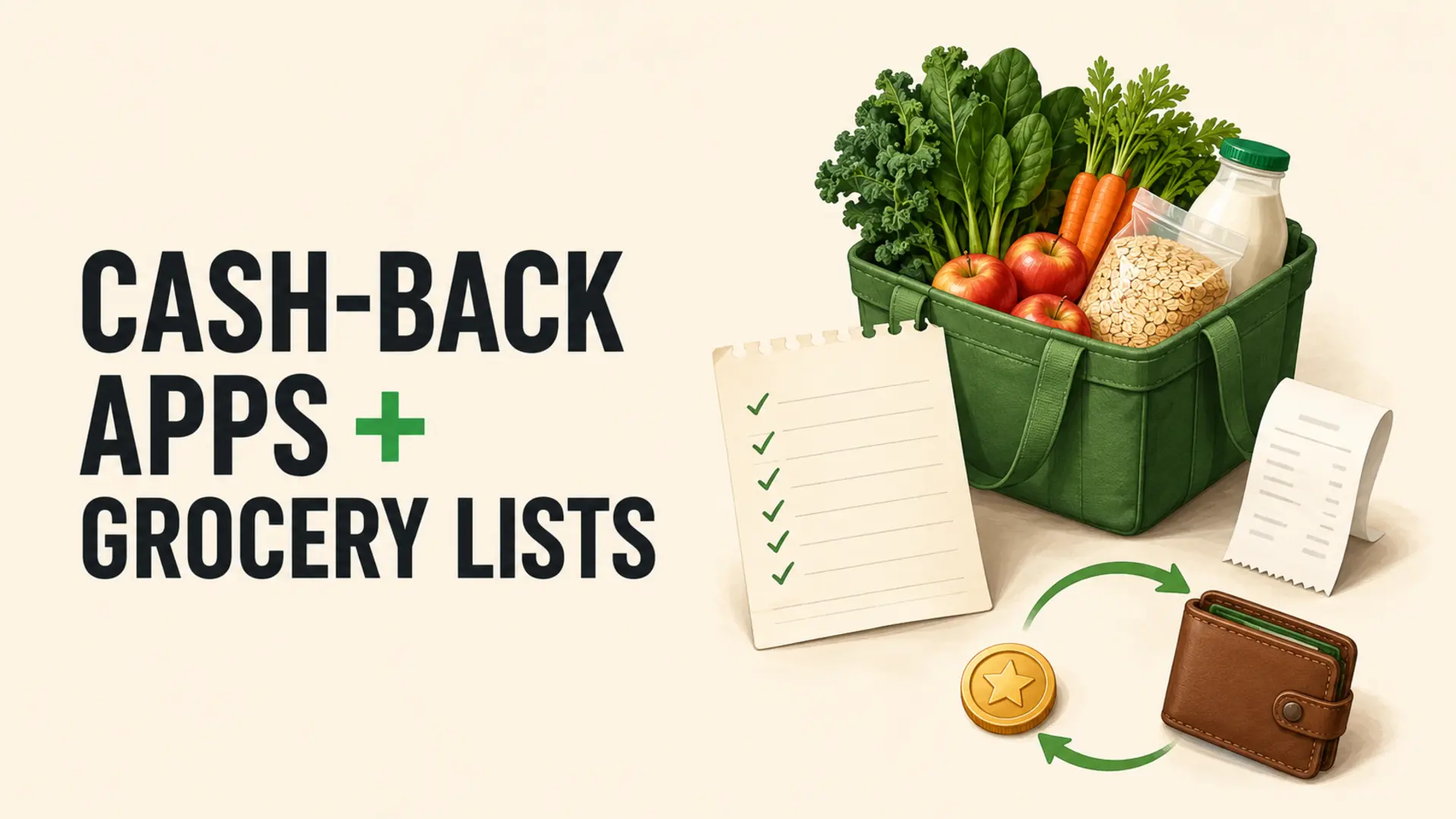
Cash-back apps with grocery lists work best in a simple order: plan what the household needs, check available offers for those items, verify the terms, shop, then submit eligible proof of purchase. Reversing that order can turn a small rebate into an unnecessary purchase. Offers, participating stores, withdrawal rules and privacy practices vary by app and location, so confirm current details before relying on any reward.
How Cash-Back Apps With Grocery Lists Fit Together
A digital list records the products and quantities you intend to buy. A cash-back service may provide a rebate, points or another reward after a qualifying purchase. Some offers must be activated before checkout; others may require a linked account, loyalty card, item scan or receipt upload.
The two tools serve different purposes. The grocery list controls the plan, while the reward app checks whether a planned item qualifies. A rebate should not determine the meal plan unless the product is genuinely useful and the final cost is competitive.
Build the Grocery List Before Browsing Offers
Start with meals, pantry stock and household essentials. Add quantities and acceptable substitutes. A reusable weekly shopping template can keep recurring staples separate from occasional needs.
- Check the refrigerator, freezer and pantry.
- Plan meals that use food already available.
- Add only the missing ingredients and necessary household items.
- Mark brand-flexible items where substitution is acceptable.
- Set a spending limit based on current local prices.
Search Only for Items Already Planned
After the list is complete, search the reward service for matching categories or products. If an offer fits, add a short note beside the list item: required brand, size, quantity, store, expiry date or activation step. Keep the original generic item visible so you can compare the offer with alternatives.
Read Every Offer Requirement
Small differences can determine eligibility. Check the package size, flavour or variety, number of units, participating retailer, purchase dates and whether online orders count. Look for exclusions, limits and rules about combining promotions. Take screenshots or save terms when the service allows it, because offers may change or disappear.
Compare the Final Price, Not the Reward
A larger reward does not guarantee the lowest cost. Compare the shelf price minus the expected rebate with the price of a suitable alternative. Include required quantities: buying two products to unlock a reward may cost more than buying one item without it.
Expected net price = checkout price − reward you reasonably expect to receive.
Treat the reward as pending until it is approved and available under the service’s withdrawal rules. Do not spend future cash back in advance.
Keep the Digital List Clear in the Store
Use notes sparingly so the shopping list remains easy to scan. Organize items by aisle or store section, and mark offer-specific products with one consistent symbol. The guide to organizing a shopping list by aisle can reduce backtracking while keeping chilled items until later in the trip.
If the qualifying item is unavailable, compare the substitute with the regular options. Do not make an extra trip solely to recover a small reward unless the complete travel and time cost makes sense.
Save and Review the Receipt
Before leaving or discarding packaging, check that the receipt shows the correct product, quantity and price. Confirm that discounts and coupons applied properly. A grocery receipt audit helps identify duplicate scans, incorrect quantities and missing promotions.
Keep the original receipt until the reward is approved and any return period has passed. Follow the app’s instructions for photo quality, linked accounts or digital receipts. Submit within the stated deadline rather than assuming every service accepts late claims.
Protect Receipt and Account Privacy
Receipts can reveal stores, locations, purchase patterns and payment details. Before installing a service, read its privacy policy and data-sharing terms. Review requested access to photos, location, contacts and other device information. The U.S. Federal Trade Commission advises checking which information apps can access and turning off permissions that are not needed; readers elsewhere can consult their local privacy authority.
Use a unique password, enable stronger sign-in protection when available, keep the app updated and avoid submitting more information than required. Delete unused accounts according to the provider’s process rather than merely removing the app icon.
Track Rewards as Verified Savings
Record the purchase date, item, expected reward, approval status and amount actually withdrawn or redeemed. This separates genuine savings from offers that expired, were rejected or remain below a cash-out threshold.
- Planned item purchased
- Offer terms met
- Claim submitted
- Reward approved
- Reward received or redeemed
Review the total monthly, subtract any membership charges or extra spending, and decide whether the service remains worth the time and data exchange.
Avoid Common Cash-Back Traps
- Buying an unneeded item because the reward looks large
- Ignoring a cheaper store brand or package size
- Missing activation, retailer or submission requirements
- Assuming pending points are equivalent to cash
- Opening several apps that encourage duplicate purchases
- Uploading receipts without reviewing privacy settings
Coordinate Offers With a Shared List
In a multi-shopper household, assign who will buy each item and add the qualifying details to the shared list. Remove or check off items promptly so another shopper does not purchase a duplicate. These shared-list coordination rules help keep one current version of the plan.
Keep the Shopping Plan in Charge
Cash-back apps with grocery lists can complement a planned shop when the offer matches a needed item and produces a competitive final price. Build the list first, verify terms, protect personal data, retain receipts and count only rewards actually received. The most useful offer is one that lowers the cost of something the household already intended to buy.
Frequently Asked Questions
How do grocery cash-back apps work?
They offer rebates for qualifying purchases, usually after you activate an offer, buy the exact eligible product, and submit or link proof. Approval, payout method, minimum withdrawal, retailers, and deadlines vary. Read current terms before relying on a reward.
Should I check cash-back offers before making my grocery list?
Make the needs-based list first, then search for matching offers. Starting inside the app can make promoted products feel necessary. A rebate should lower the cost of a planned item or suitable substitute, not create a new purchase.
Can I use a coupon and cash-back offer together?
Sometimes, but stacking rules differ by offer, retailer, manufacturer, and location. Read both sets of terms. Compare the final unit price after only valid discounts, because a competing brand without a rebate may still cost less.
Why was my grocery cash-back claim rejected?
Common reasons include the wrong size or variety, expired offer, missing activation, excluded retailer, poor receipt image, late submission, or duplicate use. Review the rejection and terms, keep the receipt, and use the app’s support process when evidence shows eligibility.
When should I count cash back as grocery savings?
Count it only after approval and receipt of usable value. Pending rewards can expire, be reversed, or require a withdrawal threshold. Keep purchase spending and later rewards separate so the grocery budget is not overstated.
Do cash-back apps require access to receipts or accounts?
Some request receipt photos, retailer-account links, email access, location, or payment-card information. Requirements vary. Review permissions and privacy practices, share only what is needed for features you use, and remove unused connections and accounts.
How can I compare a cash-back deal with a store brand?
Subtract the confirmed rebate from the eligible product price, then compare the same unit of weight, volume, or count. Include required quantities and likely waste. A larger advertised reward does not guarantee the lowest final price.
Can cash-back apps work with a shared grocery list?
Yes. Add a short note beside the eligible item showing size, variety, quantity, retailer, and deadline. One household member should manage activation and submission to avoid confusion. Do not replace a needed product unless everyone accepts the substitute.
Are cash-back rewards taxable?
Treatment depends on country, type of reward, and circumstances. Consumer purchase rebates are often treated differently from income or referral bonuses. Keep records and consult the relevant tax authority or qualified professional for advice specific to your situation.
What is the biggest cash-back app mistake?
Spending more to earn a small reward. A rebate does not make an unnecessary item free, and it may lock money behind a payout threshold. Judge success by lower total food cost, not app balances, badges, or claimed percentage savings.