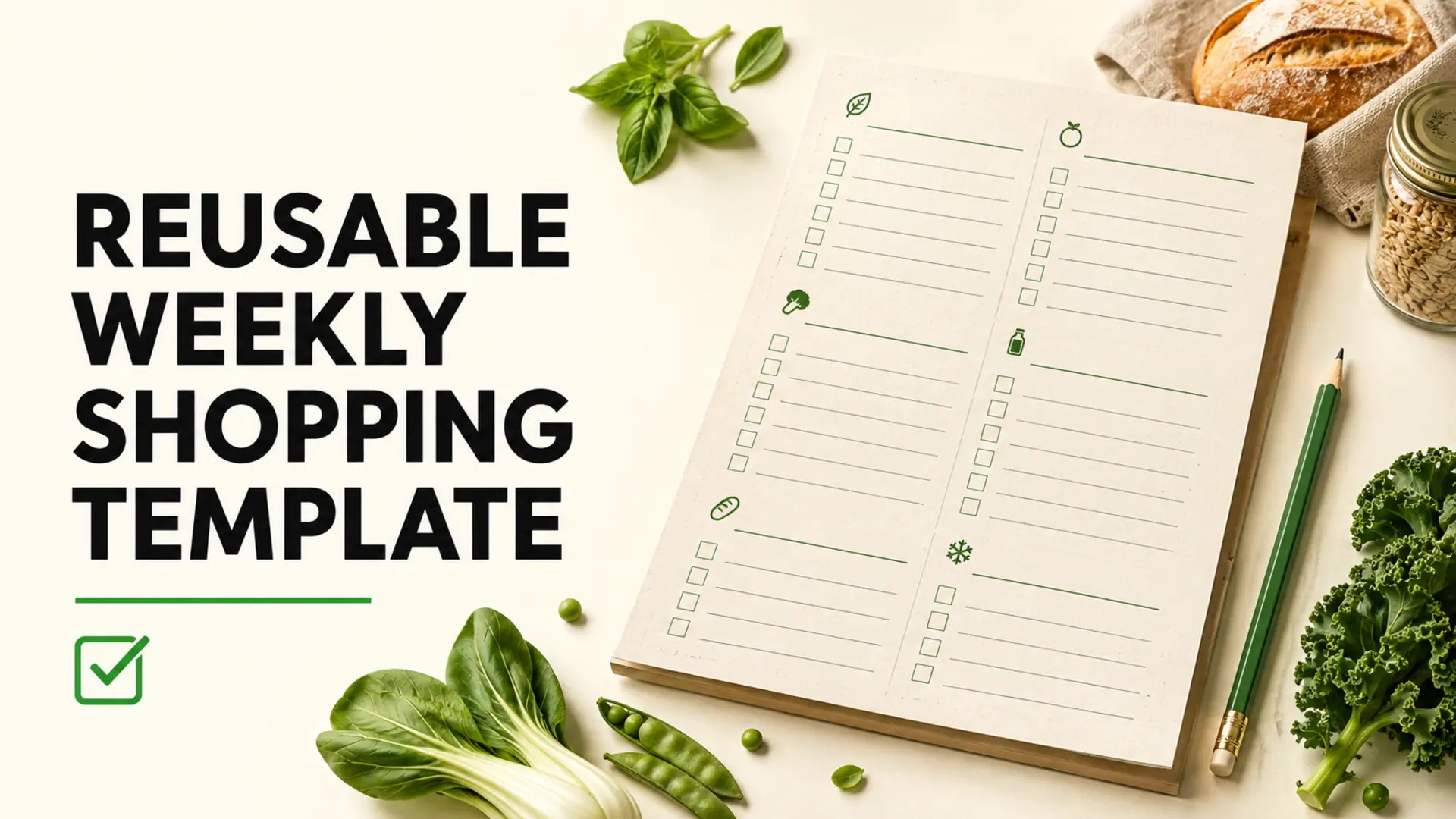
A reusable weekly shopping template gives you a reliable starting point without assuming that every household buys the same items each week. It combines regularly checked staples, flexible meal ingredients and store-specific categories in one list that you can review before each trip. The template remembers what to inspect; your pantry check decides what you actually buy.
What Is a Reusable Weekly Shopping Template?
A reusable template is a master list of items your household buys or checks regularly. Unlike an active grocery list, it does not mean every item should be purchased. Each week, you copy or review the template, remove what you already have, adjust quantities and add ingredients for planned meals.
This distinction helps prevent a common problem: treating recurring items as automatic purchases. Milk, bread, fruit or cleaning supplies may be frequent needs, but usage changes from week to week.
Build the Template From Real Shopping Habits
Start with recent receipts, order histories or grocery lists. Look for items that appear repeatedly, then confirm that they are still relevant. A purchase appearing twice does not automatically make it a permanent staple.
- Gather three to six recent grocery lists or receipts.
- Highlight items purchased more than once.
- Remove one-time purchases and products you no longer use.
- Group the remaining items into store departments.
- Add a separate section for meal-specific ingredients.
If you do not have previous lists, walk through the kitchen and record the essentials used during a normal week. The monthly pantry audit checklist can help identify overlooked staples and duplicate backups.
Use Three Practical Item Groups
Regular Checks
These are items to inspect most weeks, not automatic purchases. Examples may include milk or plant-based alternatives, bread, eggs, fruit, leafy greens and frequently used household supplies.
Pantry and Freezer Checks
Review these less often or when stock runs low: grains, pasta, beans, oils, spices, frozen produce and shelf-stable breakfast items. Your template can include a “check before buying” note beside each one.
Weekly Meal Variables
Reserve blank lines for ingredients connected to the current meal plan. This keeps the permanent template useful without filling it with specialty products that may not be needed again soon.
Reusable Weekly Shopping Template Example
Copy this structure into a note, spreadsheet, printed sheet or grocery-list tool. Replace the examples with products your household actually uses.
Produce
- □ Everyday fruit: ______
- □ Leafy greens: ______
- □ Onions or garlic
- □ Meal-specific vegetables: ______
Bakery and Grains
- □ Bread or wraps
- □ Oats, rice, pasta or another staple
- □ Meal-specific grain: ______
Protein and Dairy Alternatives
- □ Beans, lentils, tofu, eggs, meat or fish
- □ Milk or preferred alternative
- □ Yogurt or cheese, if used
Pantry and Frozen
- □ Cooking oil and condiments
- □ Canned goods
- □ Frozen fruit or vegetables
- □ Snacks or lunch supplies
Household
- □ Cleaning products
- □ Paper goods
- □ Personal-care items
Set Quantities Without Hardcoding Every Purchase
Fixed quantities can be useful for stable routines, but they can also encourage overbuying. Use a default only when consumption is predictable. For flexible items, note the unit you prefer—such as one loaf, one bunch or enough for two meals—then adjust after checking current stock and the week’s schedule.
- Record package size when several versions look similar.
- Note substitutions that work for your household.
- Include “do not substitute” only when it genuinely matters.
- Adjust for travel, guests, school breaks and meals away from home.
Arrange the Template in Store Order
Organize categories around the route through the store you use most often. A common structure might begin with produce and end with refrigerated or frozen items, but layouts vary. Our guide to organizing a shopping list by aisle explains how to build a route that matches your supermarket.
If you shop at several stores, keep one core template and create store-specific versions only when the layouts or product ranges differ enough to justify them.
Turn the Template Into This Week’s List
- Review the calendar and decide how many meals need groceries.
- Choose meals and add their specific ingredients.
- Check the refrigerator, freezer and pantry.
- Select only the recurring items that are low or missing.
- Adjust quantities and remove duplicates.
- Sort the final list in shopping order.
Planning from existing ingredients can shorten the final list. Use the fridge-first meal-planning method to prioritize produce, leftovers and open packages.
Make a Shared Template Clear
For a shared household list, agree on what a checked item means, who removes purchased products and how substitutions should be recorded. Use specific entries such as “plain yogurt, medium tub” instead of “yogurt.” These shared shopping-list practices can help reduce duplicate purchases.
Review the Template Every Few Months
A reusable template should change as routines, diets, seasons and household needs change. Remove items that are repeatedly skipped, add new staples only after they prove useful, and reorganize categories when your regular store changes. The goal is a focused reminder system—not an ever-growing catalogue.
Start With a Simple Version
Your reusable weekly shopping template does not need dozens of fixed items or precise timing promises. Begin with the products you genuinely check, leave space for meal-specific ingredients and verify stock before every trip. A short, adaptable template is easier to maintain and more useful than starting from a blank list each week.
Frequently Asked Questions
What should a reusable weekly shopping template include?
Include store or aisle categories, recurring staples, meal-specific ingredients, household items and a notes area for quantity or substitutions. Keep staples unchecked by default so they prompt an inventory check instead of becoming automatic purchases.
How do I create a grocery list template that fits my store?
Write the departments in the order you normally walk through the store, then place common items under each one. Test the template during a real trip and adjust categories that cause backtracking. Different stores may justify separate templates.
Should recurring groceries be automatically added every week?
No. Treat recurring items as reminders to check stock. Automatically adding milk, bread or produce can create duplicates when consumption changes. Tick or copy an item into the active list only after confirming that the household needs it.
How many categories should a weekly shopping template have?
Use enough categories to make the trip easy without turning maintenance into work. Six to ten broad sections often suit a supermarket, but store layout and list length matter. Combine rarely used departments and split categories only when it improves navigation.
Can one grocery template work for multiple stores?
A master template can cover household needs, but store-specific copies are better when layouts or available products differ substantially. Keep one source of truth for what is needed, then assign items to stores without duplicating the same purchase on several active lists.
How often should I update my reusable grocery template?
Review it after several shopping trips and whenever household routines, diet, store or season changes. Remove items repeatedly ignored, rename unclear entries and reorder categories that cause backtracking. A short useful template is better than a permanent catalogue of everything purchased.
How do I add meal-plan ingredients to a reusable list?
Start with the chosen recipes, scale them for the required servings and subtract food already available. Add each remaining ingredient to the matching aisle with quantity and intended use when helpful. Then review the staples section for genuine household needs.
Is a digital or printable shopping template better?
Digital templates are easier to copy, share and update, while printable versions can be faster for people who prefer paper or have limited device access. The best format is the one the household will consistently review before shopping and use in the store.
How can a reusable template help prevent forgotten groceries?
It provides prompts for frequently needed categories and items, reducing reliance on memory. It still needs a weekly fridge, freezer and pantry check. Include a final review section for meal ingredients, household requests and anything running low.
What is the difference between a master list and an active list?
A master list is a reusable library of possible staples and categories. The active list contains only what should be bought on the next trip. Keeping them separate prevents a useful reference from being mistaken for an instruction to purchase everything.