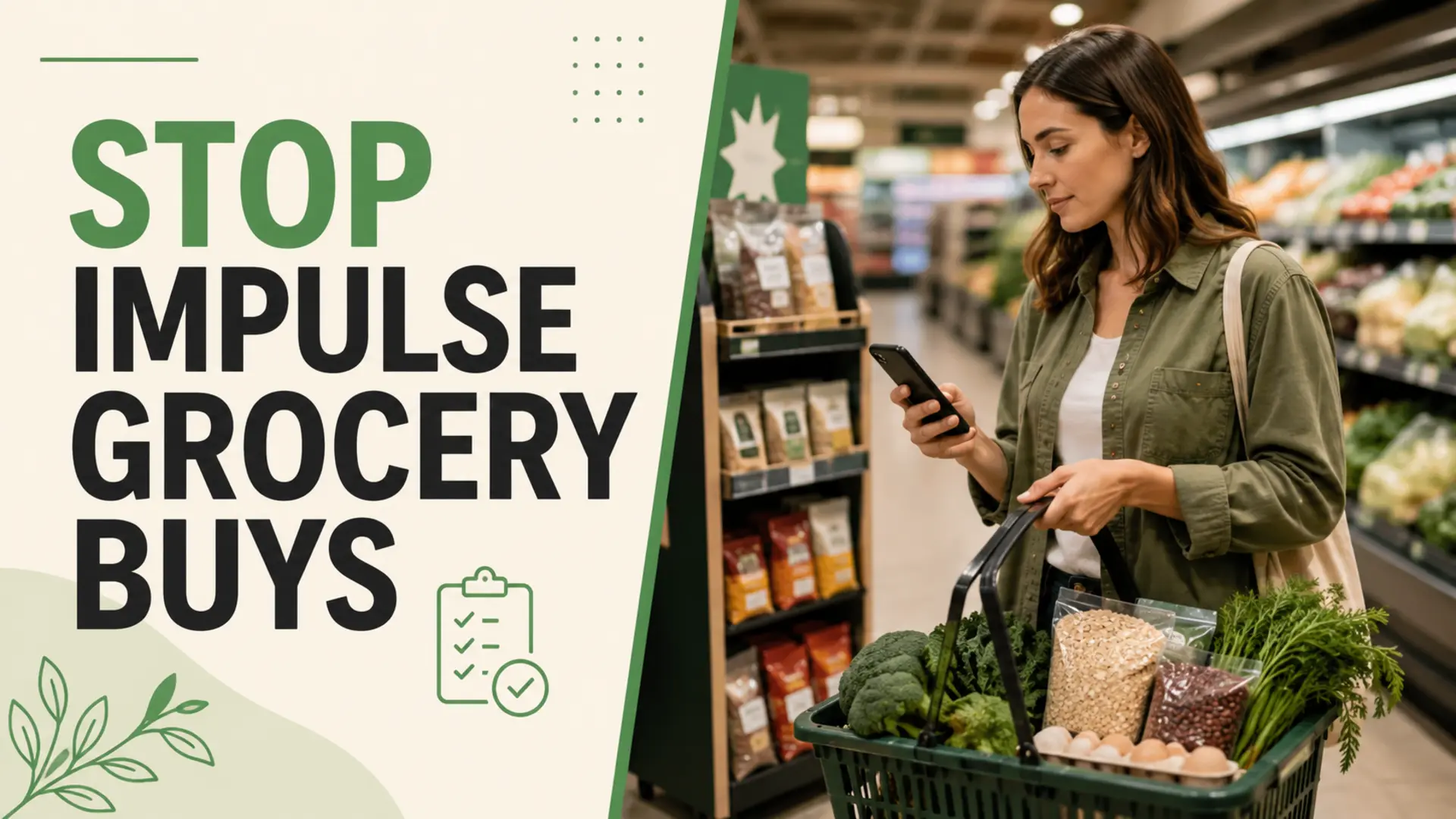
Grocery list apps can reduce impulse buys by keeping planned items visible, organizing the shopping trip and making it easier to pause before adding something unexpected. They do not eliminate unplanned purchases automatically, but they provide a practical structure for better decisions in a busy store.
The most effective approach combines a realistic list with a spending boundary and a simple rule for evaluating unplanned items. The app is the reminder; your shopping routine does the rest.
Why Impulse Grocery Buys Happen
Unplanned purchases can happen because you shop hungry, forget what is already at home, notice an appealing promotion or spend longer browsing than expected. Stress, limited time and uncertainty about upcoming meals can also make “just in case” items feel necessary.
Not every unplanned purchase is a mistake. A useful substitution, an overlooked staple or an item that supports a changed meal plan may be reasonable. The goal is to separate helpful adjustments from purchases made without a clear use.
How Grocery List Apps Reduce Impulse Buys
They Keep the Plan Visible
A checklist gives you a clear reference throughout the trip. When an extra product catches your attention, you can compare it with the meals and household needs represented on the list rather than deciding in isolation.
They Reduce Aimless Browsing
Grouping items by store department can create a more direct route. Fewer repeated trips across the store mean fewer unnecessary decisions. Use our guide to organize your grocery list by aisle.
They Make Household Needs Easier to Confirm
A shared list can help household members record what is needed and mark items as they are purchased. This may reduce duplicate or precautionary buying when everyone follows the same update routine. Learn more about using shared lists to prevent double-buying.
They Support Quick Substitutions
When a listed item is unavailable or unsuitable, a nearby note can clarify its purpose: “vegetable for stir-fry” is easier to substitute than one rigid product. Flexible notes reduce the temptation to add several alternatives.
Build an Impulse-Resistant Grocery List
- Check the refrigerator, freezer and pantry before shopping.
- Connect each perishable item to a realistic meal or snack.
- Add approximate quantities based on household use.
- Group items by the store sections you normally visit.
- Separate essentials from optional items.
- Set a spending boundary that leaves room for price changes.
If the list itself needs work, follow these steps for making a practical grocery list.
Use a Pause Rule for Unplanned Items
Instead of a rigid ban, ask four quick questions:
- What specific meal or household need will this serve?
- Do I already have something suitable at home?
- Will I use it before quality declines?
- What listed item or budget category will it replace?
If the item has a clear purpose and fits the budget, add it intentionally. If not, record it for later review rather than buying it immediately.
Make Promotions Easier to Evaluate
A sale label does not prove that a product is useful or better value. Compare the unit price, required quantity and purchase conditions. Then check whether the item appears in your plan or can replace something that does.
A list can include a flexible category such as “best-value seasonal fruit.” This lets you respond to availability without turning every promotion into an additional purchase.
Combine Digital Lists With a Budget Method
Some shoppers benefit from pairing an app with a fixed spending amount, while others prefer cash, account alerts or a category-based budget. Our comparison of cash envelopes and digital grocery lists explains how the tools can complement different habits.
Avoid Turning the App Into Another Distraction
- Prepare the list before entering the store.
- Keep unrelated notifications muted while shopping.
- Mark completed items and stay within the relevant section.
- Avoid browsing recipes or promotions unless they support the current plan.
- Review substitutions before checkout.
Review What Happened After Checkout
Compare the receipt with the original list. Note which unplanned purchases were useful, which became waste and what triggered them. Use those observations to improve quantities, optional categories and meal planning for the next trip.
Use the List as a Decision Tool
Grocery list apps help reduce impulse buys when they keep your needs clear and make unexpected choices easier to evaluate. Build a realistic list, shop in a focused order and pause before adding extras. Consistency matters more than following a rule perfectly.