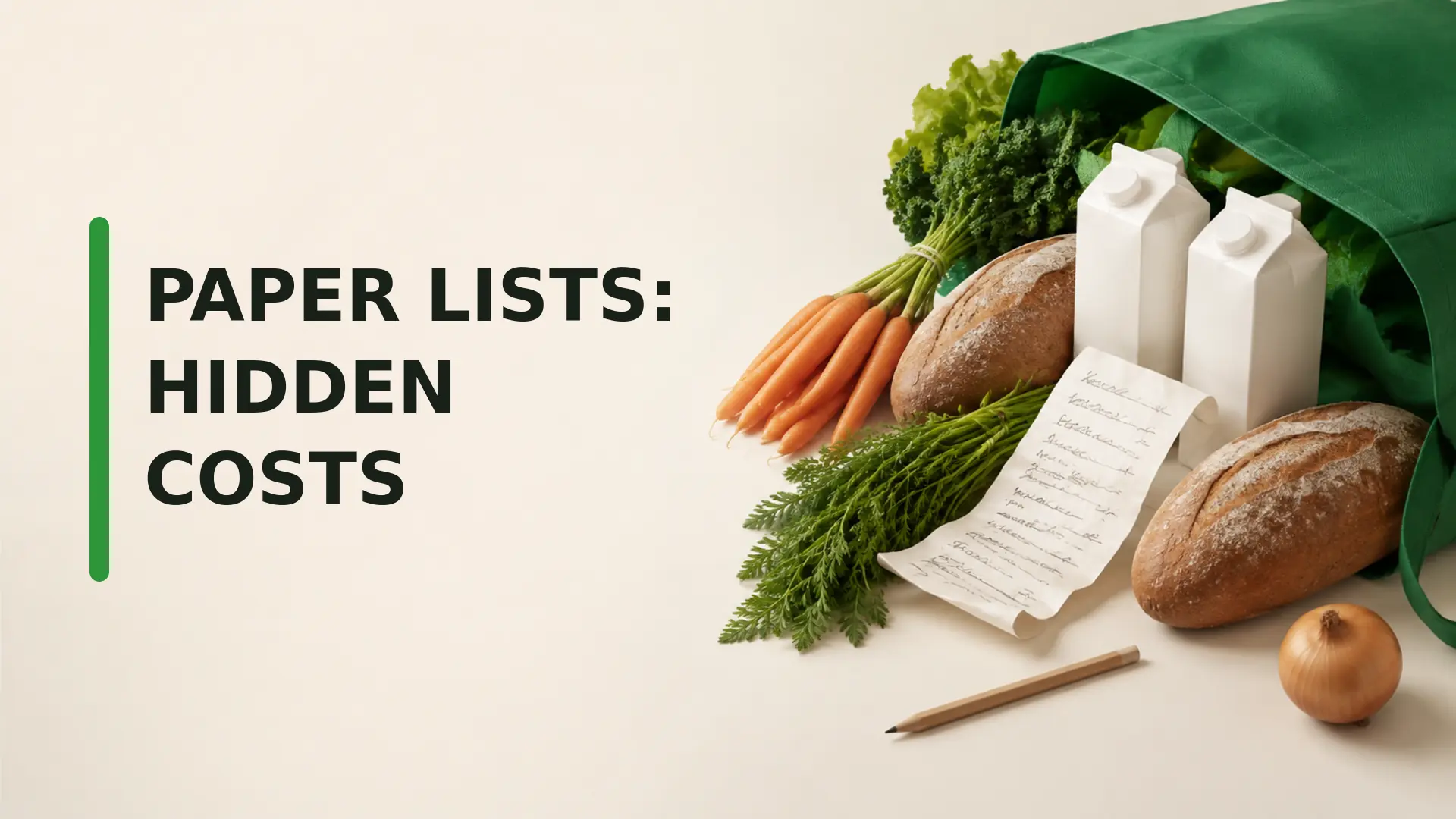
Paper shopping lists are not automatically expensive, but they can create avoidable costs when the list is forgotten, outdated, hard to read or unavailable to another shopper. A well-organized note can work perfectly for one person and one trip. The important question is whether your list method keeps pace with changes at home and in the store.
When paper shopping lists work well
Paper is fast, familiar and does not require a charged device or internet connection. Writing items by hand can also help some shoppers remember the plan. A paper list may be the simplest choice for a small household, a consistent weekly shop or anyone who prefers a low-tech routine.
The goal is not to replace paper for its own sake. It is to notice where your current process breaks down and choose the smallest useful fix.
How paper shopping lists can lead to extra spending
Costs usually arise from coordination gaps rather than from the paper itself. A forgotten list can encourage guesswork. An outdated note may include something already purchased. Two household members can buy the same item because neither can see the other person’s changes. An unplanned replacement trip can add transport costs or expose the shopper to another round of promotions.
There is no reliable universal dollar amount for these problems. The effect depends on shopping frequency, household size, travel costs, impulse habits and the value of the duplicated or forgotten items.
The forgotten-list problem
A note on the refrigerator helps only if it reaches the store. Before leaving, photograph the completed list or place it with keys, a wallet or reusable bags. A printed weekly shopping template can include a reminder at the top and a space for the store, date and meal plan.
If the list is forgotten, avoid trying to reconstruct a large shop from memory. Buy only obvious essentials, then check the kitchen before completing the rest. This may be less costly than guessing at every category.
The outdated-list problem
Cross out items as soon as they are purchased or no longer needed. Date the list and discard old versions rather than leaving several notes in the same place. Before adding a staple, check the pantry, refrigerator or freezer so the list reflects current stock.
A concise grocery-list workflow connects each item to a meal, household essential or verified restock. Items without a clear purpose can remain optional until the plan is confirmed.
The shared-household coordination problem
Paper becomes harder to manage when several people add items or shop at different times. Decide who owns the master list and where updates must be recorded. If someone buys an item unexpectedly, they should mark or communicate the change before another person shops.
A shared digital list can reduce this delay by giving household members access to one current version. Our guide to shared shopping lists and double buying explains a simple coordination routine. Households can also use a hybrid system: keep paper on the refrigerator, then transfer or photograph it before shopping.
Organize the list around the store
Writing items in the order they come to mind can create backtracking. Group produce, bakery, pantry, refrigerated, frozen and household items together, then adapt those groups to the store you use. A calmer route can make the trip easier and reduce the chance that an item is missed.
Store layouts vary, and no route eliminates every impulse purchase. The practical defence is a clear list, enough time to compare products and a rule for unplanned items. See how grocery-store layouts influence shopping without assuming every store follows the same design.
Add quantities and acceptable substitutes
“Apples” may not tell a second shopper whether the household needs two pieces or a large bag. Add a useful quantity or package size. For meal ingredients, note an acceptable substitute and any dietary restriction. This reduces last-minute calls and prevents a shopper from buying several versions “just in case.”
- Item: plain yoghurt
- Quantity: one medium container
- Substitute: unsweetened dairy-free alternative
- Limit: skip if neither fits the planned use
Separate essentials from optional items
Divide the page into must-buy, meal ingredients and optional items. If the estimated total becomes too high, review the optional section first rather than removing ingredients needed for complete meals. Mark promotional items as “consider” until the unit price and package size are checked.
Use paper with a price reference
A paper list does not need to contain a complete price history. Keep a separate small price book or receipt record for frequently purchased items, then write a maximum price beside the few products being compared that week. This keeps the shopping list readable while making sale decisions more deliberate.
Record price per unit when package sizes differ. A lower shelf price may represent a smaller quantity, while a larger package may create waste if it cannot be stored or used.
Run a two-week list experiment
Instead of assuming paper is the problem, measure what happens. For two weeks, note forgotten items, duplicates, unplanned purchases, return trips and food discarded. Then test one change for the next two weeks: a photographed paper list, an aisle template, a shared digital list or a consistent pre-shopping inventory check.
Compare the results using your receipts and experience. Keep the method that reduces friction without adding a system the household will not maintain.
Choose paper, digital or a hybrid system
- Paper: useful for one shopper, simple routines and people who prefer handwriting.
- Digital: useful for frequent changes, shared households and access away from home.
- Hybrid: useful when household members prefer different methods.
Accessibility matters too. Choose a method with readable text, adequate contrast, simple controls and a backup that works for the people doing the shopping.
A more reliable shopping-list habit
Paper shopping lists cost extra only when the process allows forgotten notes, stale information, unclear quantities or duplicate buying. Keep one current list, group it by store section, verify inventory, communicate changes and review actual receipts. If paper handles those jobs well, keep it. If it does not, a shared or hybrid list can close the gaps without turning grocery planning into a complicated project.
Frequently Asked Questions
Are paper grocery lists more expensive than digital lists?
Not inherently. Paper costs extra only when it leads to forgotten notes, stale information, duplicate purchases, unclear quantities, or missed shared updates. A well-managed paper list can work perfectly well.
Why do paper shopping lists lead to forgotten items?
The page may be left at home, stored in the wrong bag, or separated from later notes. Keeping one list in a consistent visible place and photographing it before leaving can reduce this risk.
How can households share a paper grocery list?
Use one designated list, require everyone to add quantities and deadlines, and photograph it before the shopper leaves. For frequent changes, a shared digital list may be more reliable.
What information should a grocery list include besides item names?
Add quantity, acceptable size or brand, substitution limits, and whether the item is essential or optional. These details reduce guesswork, overbuying, and costly repeat trips.
Should a shopping list be organized by store aisle?
Grouping items by the store’s normal sections can reduce backtracking and exposure to unrelated displays. Update the order when you change stores because layouts differ.
How do I keep a paper grocery list current?
Review the pantry, refrigerator, and freezer before shopping; cross out resolved items; date the list; and avoid maintaining several competing notes on counters, phones, and wallets.
Can a paper list help track grocery prices?
Yes. Add a reference price or spending limit beside important items, then compare it with the shelf’s unit price. Keep receipts to update the benchmark periodically.
What is a hybrid grocery-list system?
Maintain the household list digitally for shared updates, then print or copy the final version for the store. Alternatively, use paper at home and take a phone photo as backup.
How can I test whether my list system causes overspending?
For two weeks, record forgotten items, duplicate purchases, unplanned additions, extra trips, and food waste. Compare results with a different list method while keeping the grocery plan similar.
When is a digital grocery list the better choice?
It is useful when several people add items, plans change often, the paper list is frequently forgotten, or quantities and recurring essentials need to remain synchronized.