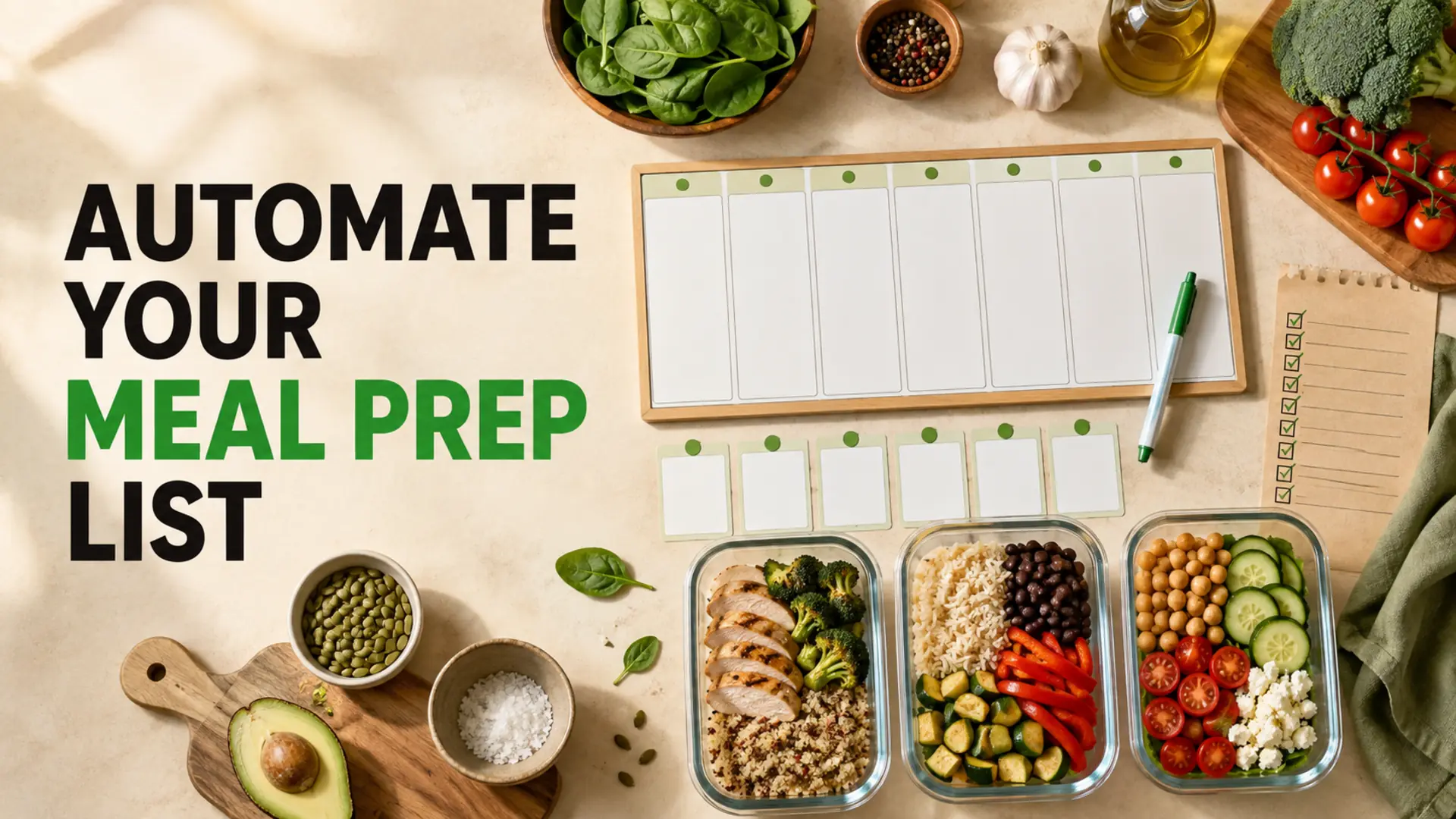
To automate your weekly meal prep shopping list, build one reusable system for staples, recipes, pantry checks and store categories. Instead of starting from a blank note every week, you update the parts that change and keep the rest ready to reuse.
This approach connects meal planning with the groceries you actually need. It helps prevent forgotten ingredients, duplicate pantry purchases and unnecessary backtracking through the store. You do not need complicated software or a rigid meal schedule. You need a clear routine that is easy to repeat.
Why Manual Meal Prep Lists Become Repetitive
Meal planning and grocery shopping are often treated as separate tasks. You choose recipes first, then manually copy every ingredient into a new list. That creates extra work and makes it easy to miss what is already in the pantry.
The most common problems are:
- Starting over: regular items such as eggs, bread, onions and cooking oil must be entered again.
- Buying duplicates: ingredients are added without checking current pantry, refrigerator or freezer stock.
- Missing quantities: vague notes make it difficult to know whether one package is enough.
- Store backtracking: ingredients remain in recipe order instead of being grouped by aisle.
A reusable system solves these problems without making meal prep more complicated. If you need help establishing the basic structure first, use this guide on how to make a grocery list.
How to Automate Your Weekly Meal Prep Shopping List
Step 1: Build a Reusable Staples Checklist
Start with the groceries and household essentials you buy repeatedly. Your list might include milk, eggs, bread, onions, garlic, rice, oats, cooking oil, seasonings and cleaning supplies.
Save these as favourites or keep them in a reusable master list. Before shopping, review each item and add only what is running low. This is faster and more reliable than trying to remember every staple from scratch.
Step 2: Turn Regular Meals into Ingredient Modules
If your household rotates through familiar dinners, save the ingredient group for each meal. A taco-bowl module, for example, could contain rice, beans, peppers, salsa and your preferred protein. Selecting the meal gives you a starting checklist instead of an empty page.
Keep the module flexible. Seasonal substitutions, dietary needs and what you already own should still guide the final list. For planning larger cooking sessions, see the batch cooking guide for beginners.
Step 3: Check the Pantry Before Finalizing
A generated ingredient list is only a draft. Check the pantry, refrigerator and freezer before you shop. Remove anything you already have in a usable quantity and add items that are running low.
- Look behind front-row items so duplicate packages are not overlooked.
- Check fresh ingredients that should be used soon.
- Confirm quantities for ingredients used in more than one meal.
- Review freezer items before buying another package.
Step 4: Group the Final List by Store Section
Sort the final checklist into sections such as produce, bakery, meat and alternatives, pantry, refrigerated, frozen and household supplies. A consistent aisle structure makes the list easier to scan while shopping.
The categories do not need to match every supermarket perfectly. Use broad groups that reflect the stores you visit most often. The goal is one continuous shopping path with fewer forgotten sections.
Use Digital Features That Support the Routine
A useful grocery app should reduce repeated work. Shared household lists can keep multiple shoppers working from the same information. Pantry tracking can support the pre-shopping check, while favourites make recurring items quicker to add.
Barcode scanning can help add packaged items, and offline access keeps the list available in stores with poor reception. Explore the available Smart Grocery List features and use only the tools that make your existing routine easier.
If more than one person contributes to household shopping, a grocery list organizer app can also help prevent separate, conflicting lists.
A Simple Weekly Automation Routine
- Choose the meals you expect to prepare.
- Add the saved ingredient modules for those meals.
- Review the reusable staples checklist.
- Check pantry, refrigerator and freezer stock.
- Remove ingredients you already have.
- Confirm quantities and useful item details.
- Group the final list by store section.
- Share the list with anyone helping with shopping.
After the trip, notice which items were left unused or missed. Adjust the saved staples, meal modules or quantities before the next week. The system becomes more useful as it reflects your household’s real habits.
Common Meal Prep List Traps
- Over-planning perishables: match fragile produce to meals planned earlier in the week and sturdier ingredients to later meals.
- Skipping the pantry check: always compare the draft list with what is already available.
- Using unclear quantities: write useful amounts such as two cans or three peppers instead of “some.”
- Automating too much: keep room for substitutions, leftovers and changes in household plans.
- Maintaining several lists: use one shared source so updates are not missed.
Make the System Easy to Repeat
The best automated meal prep list is not the most complex one. It is the system you can update quickly every week. Begin with reusable staples and store categories, then add meal modules and pantry tracking when they solve a real problem.
Once the routine is established, weekly planning becomes a review rather than a complete rewrite. You still decide what to cook, but you spend less effort rebuilding the same grocery-list structure.