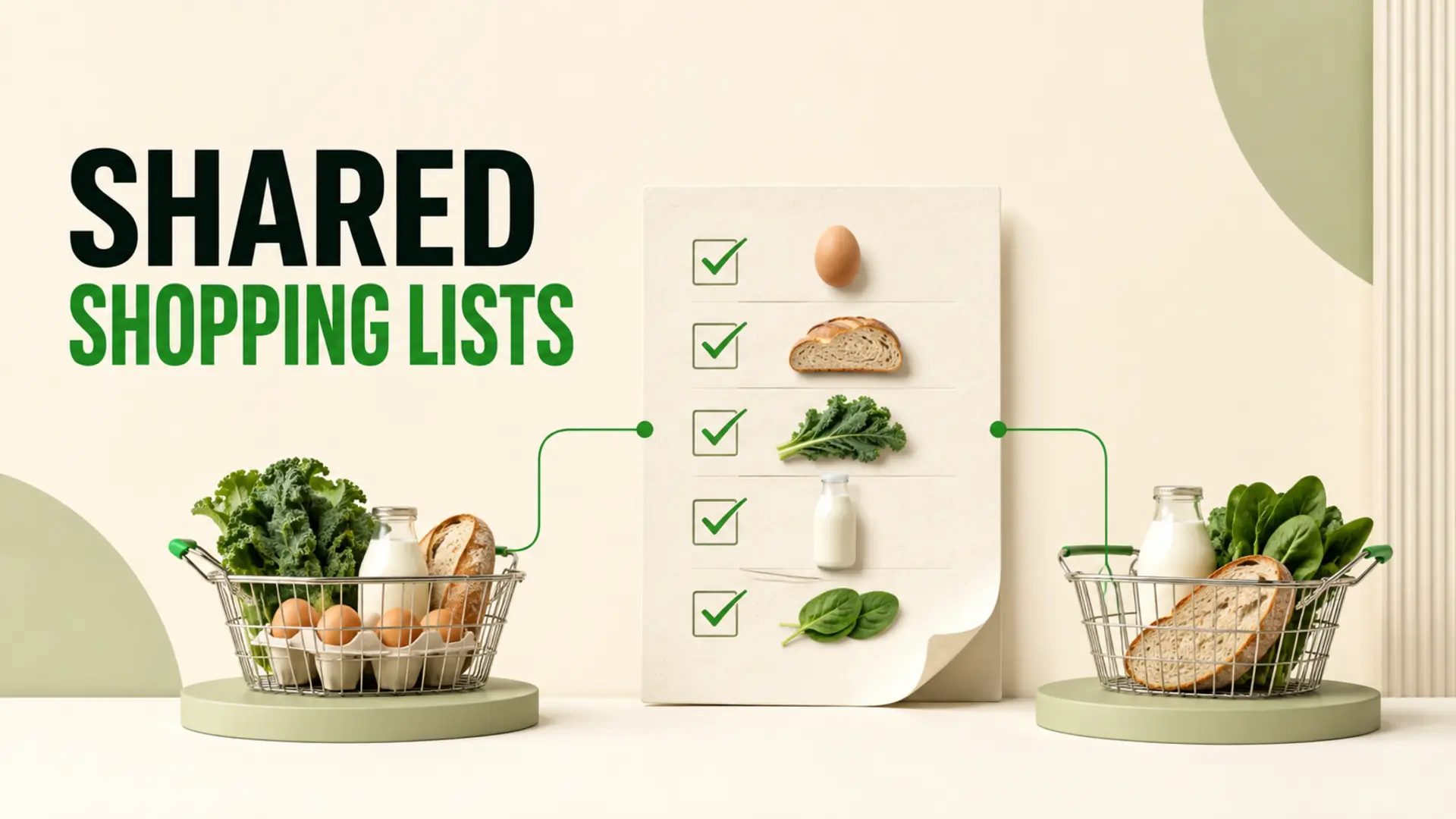
Shared digital shopping lists can reduce double-buying by giving household members one place to add, review and complete grocery items. They work best when everyone follows the same simple rules: check the list before shopping, update it during the trip and avoid keeping a second competing list in messages or on paper.
A shared list cannot guarantee that duplicates never happen. Sync delays, poor connectivity, unclear item names and late updates can still cause mistakes. The goal is to make each person’s shopping status visible enough that the household can coordinate more reliably.
Why households accidentally buy the same groceries
Duplicate purchases usually come from missing context rather than carelessness. One person notices that milk is low and plans to buy it after work. Another person sees the same carton later and adds milk to a paper note. Neither knows what the other has done.
- Separate lists: household members keep different notes, messages or app lists.
- Vague items: “bread” does not say which type, size or quantity is needed.
- Late updates: an item remains active after someone places it in the basket.
- Unplanned stops: a person enters the store without checking whether someone else is shopping.
- Inventory uncertainty: no one knows whether an item is empty, low or already replaced.
How shared digital shopping lists reduce duplicates
A shared digital list creates one current record that household members can access away from home. When an item is added, clarified or completed, the change can be available to other list members according to the app’s supported sharing and synchronization behaviour.
The practical benefit is not the technology alone. It is the shared routine built around the list:
- One person adds an item with enough detail.
- Another person checks the shared list before entering the store.
- The shopper marks items complete as they are selected or purchased.
- Other household members refresh or review the list before making another trip.
- Unresolved items remain visible for the next shopper.
Use one list as the household source of truth
Choose one active grocery list for regular household shopping. If requests arrive by text, voice or a refrigerator note, move them into the shared list. Otherwise, people must remember which channel contains the latest information.
The Smart Grocery List features page describes the available tools for organizing lists and pantry information. Verify the current app capabilities and device support before relying on a specific sharing or notification behaviour.
Write grocery items clearly
A useful list entry answers the questions that could cause a duplicate or incorrect purchase. Add detail only when it matters; common staples do not need a paragraph.
| Unclear entry | Clearer entry | Why it helps |
|---|---|---|
| Milk | 1 carton oat milk | Clarifies type and quantity |
| Apples | 6 apples for lunches | Prevents two people buying a full bag |
| Rice | Brown rice, only if pantry bag is low | Connects the purchase to inventory |
| Bread | 1 whole-grain loaf | Clarifies variety and count |
| Yogurt | Plain yogurt, check refrigerator first | Prompts verification before buying |
Agree when items should be marked complete
Households may prefer different completion rules. Some people check an item when it enters the cart; others wait until checkout. Choose one approach so everyone understands what a completed item means.
- At selection: gives other shoppers an earlier signal but requires reversing the check if the item is put back.
- At checkout: confirms the purchase but leaves a longer window for another person to select the same item.
- After the trip: is simple but provides the weakest protection against overlapping store visits.
For most households, checking items while shopping and reviewing the list at checkout provides a practical balance. If two people are shopping at the same time, communicate directly as well; do not assume every update is instantaneous.
Handle unplanned grocery stops
An unplanned stop is where a shared list becomes especially useful. Before entering the store:
- Open or refresh the household list.
- Check whether another person is already shopping.
- Review active quantities and notes.
- Update completed items during the trip.
- Send a direct message if the list status is unclear or connectivity is unreliable.
Organizing entries in a familiar store order can also make updates easier to follow. Use these shopping-list-by-aisle steps to create categories that match the store you actually visit.
Connect the list to a simple pantry routine
Double-buying is more likely when no one knows what remains at home. A short inventory habit can improve the list:
- Add a staple when the household reaches an agreed low level.
- Include the quantity already available when it matters.
- Remove requests that were added by mistake.
- Review open packages before replacing them.
- Keep a visible use-first area for suitable older food.
For a deeper reset, follow the monthly pantry audit checklist. The audit and the shared list serve different purposes: the audit reviews stock, while the list coordinates what should be purchased next.
What to do when syncing or connectivity fails
Digital lists depend on device access, app behaviour and connectivity. If an update is not visible, refresh the list when possible and avoid making assumptions about another person’s actions. For overlapping trips, a brief call or message can be the safest backup.
- Confirm that everyone is using the same household list.
- Check that sharing access is still active.
- Refresh before starting an unplanned shop.
- Use specific item notes rather than relying on memory.
- Review the final list after returning home.
Common shared-list mistakes
- Keeping several active lists: consolidate requests into one place.
- Assuming instant synchronization: allow for connection or refresh delays.
- Using unclear quantities: specify the amount when duplicates would matter.
- Checking items too late: update consistently during the agreed stage.
- Ignoring pantry stock: verify food at home before replacing it.
- Adding unsupported app claims: rely only on features currently available.
A simple household shared-list agreement
Keep the rules short enough that everyone will remember them:
- Use one shared grocery list.
- Add quantities when needed.
- Check the list before entering a store.
- Mark items complete during the agreed stage.
- Contact the other shopper when the status is uncertain.
- Review pantry stock before buying backups.
Shared digital shopping lists reduce double-buying by improving visibility and coordination, not by removing every possibility of error. One clear list, consistent updates and a small pantry-check habit give household members a practical way to shop from the same information.
For meal choices and broader nutrition guidance, consult official recommendations for your region. The existing Canada’s Food Guide remains one authoritative example.