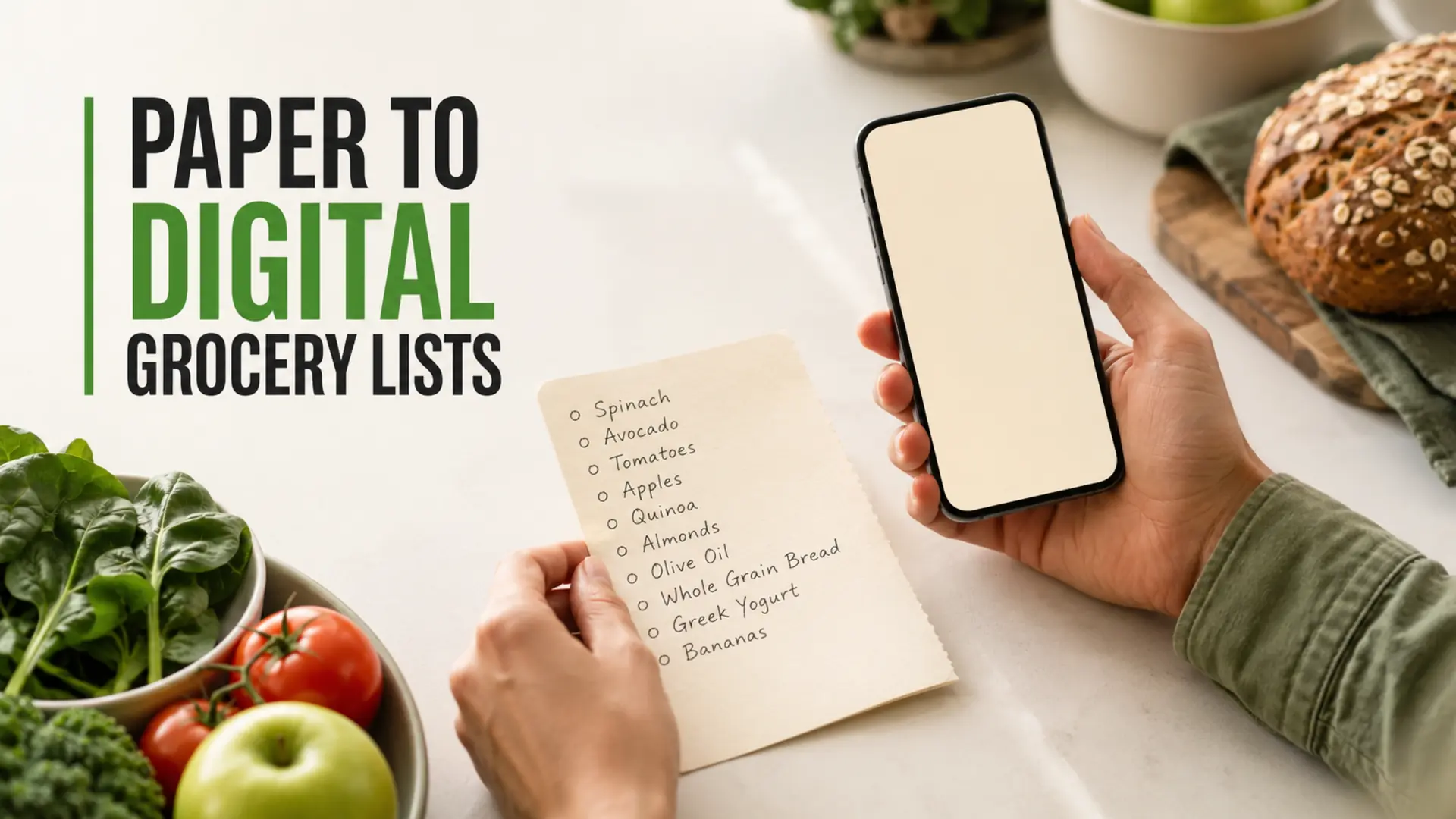
Making the transition from paper to digital grocery lists works best as a gradual household change, not a one-day technology overhaul. Start by copying your current list, agree on a few simple rules, and keep paper available briefly while everyone builds the new habit.
A digital list can be easier to carry, update and share, but the tool matters less than the routine around it. This guide shows how to move your groceries online without losing familiar items or creating confusion at home.
Why move from paper to a digital grocery list?
Paper is quick, visible and familiar. Its limits appear when the list stays at home, several people shop independently, or changes happen after someone has left for the store. A digital list can keep one current version available to the people who need it.
- Availability: the list is more likely to be with you when it lives on a device you already carry.
- Coordination: household members can work from one agreed list instead of separate notes.
- Organization: categories can make a long list easier to scan in the store.
- Reuse: recurring staples can be copied from a template instead of rewritten each week.
These benefits depend on the chosen tool and the household using it consistently. Review an app’s current features, privacy settings, supported devices and offline behaviour before relying on it.
Transition from paper to digital grocery lists in six steps
1. Choose one list owner for setup
Ask one person to create the first digital list and organize it. This is only a setup role; everyone can contribute once the structure is clear. Avoid testing several apps at once, because competing lists make it hard to know which one is current.
2. Copy the existing paper list exactly
Use the latest handwritten list as your starting point. Copy the item names, quantities and useful notes without redesigning everything immediately. Familiar wording lowers the learning curve and makes it easier to spot anything that was missed.
3. Create a small set of categories
Group items into broad sections such as produce, bakery, pantry, refrigerated, frozen and household. Store layouts differ, so adjust the order to match the shop you use most often. For a reusable starting structure, see this weekly shopping template.
4. Agree on one add-and-remove rule
Choose a simple trigger everyone can remember: add an item when the last package is opened, when a planned meal needs it, or when the household notices it is running low. During shopping, mark an item complete only after it enters the basket. Clear rules help shared digital shopping lists reduce duplicate purchases.
5. Run paper and digital lists together once
For the first shop, bring the paper list as a backup and compare it with the digital version. Note unclear labels, missing quantities and categories that do not fit the store. After the trip, correct the digital list rather than maintaining two permanent systems.
6. Make the digital list the default
Once everyone can open and update the same list, remove the paper copy from its usual location or label it as backup only. Put a short reminder where the old list lived: “Add it to the shared list.” The physical cue helps transfer the established habit.
Build a practical digital list structure
Keep item names specific enough for another shopper to understand. “Yogurt” may be sufficient in one household; another may need type, size or flavour. Add quantities only when they affect the purchase, and use notes for substitutions or dietary requirements rather than packing every detail into the item name.
- Write “apples — 6” instead of adding six separate entries.
- Use “any leafy green” when several options will work.
- Separate essentials from optional items if the budget is flexible.
- Review pantry staples before adding another package.
A quick pantry check is especially useful for seasonings and sauces. The same zone-based approach used to organize spices, oils and condiments can make digital inventory checks faster.
Help the whole household adopt the list
Not everyone needs to use every feature. Teach the smallest useful workflow first: open the list, add an item, change a quantity and mark it complete. Demonstrate it during a real kitchen or shopping task rather than giving a long explanation.
If someone prefers paper, let them leave a note in one agreed place during the short transition period. The list owner can transfer it until that person is comfortable adding items directly. Accessibility, device access and personal preference should shape the process.
Common transition problems and simple fixes
- People create separate lists: rename the active one clearly and archive old versions.
- Items disappear too early: agree to mark them complete only when they are in the basket.
- Vague entries cause wrong purchases: add quantity, size or substitution notes where needed.
- The list becomes cluttered: remove duplicates and review unfinished items after each trip.
- Connectivity is unreliable: check the app’s documented offline behaviour before shopping.
Turn the list into a weekly planning habit
Schedule a short review before the main shop. Check meal plans, fridge contents, pantry staples and household supplies, then remove anything no longer needed. Planning from ingredients already available can make the list more focused; use this guide to plan weekly meals from your fridge.
Keep recurring items in a template, but do not add them automatically without checking current stock. A reliable digital grocery list reflects what the household needs now, not what it usually buys.
Conclusion
A successful transition from paper to digital grocery lists is built on one shared list, clear household rules and a brief practice period. Copy the familiar system first, simplify the workflow and refine it after a real shopping trip. Once the routine feels natural, the digital list can become a dependable part of weekly planning.
Frequently Asked Questions
Why switch from a paper grocery list to a digital list?
A digital list is harder to leave at home, easier to edit and can support household sharing. Paper remains simple and accessible, so switching is worthwhile only if digital features solve a real problem such as duplicate lists, forgotten updates or several shoppers.
How do I convert a handwritten grocery list to digital?
Copy the current paper list exactly, including useful quantities and notes, then place items into broad store categories. Review the digital version against the paper original before shopping. Improve the structure after one real trip instead of redesigning everything immediately.
Should I use paper and digital grocery lists at the same time?
Use both briefly during the transition, but designate the digital version as the developing source of truth. Compare them during one shopping trip, correct missing items and then retire the duplicate paper list. Permanent parallel systems create uncertainty about which list is current.
How can I help family members adopt a shared digital list?
Teach only the essential actions first: open the list, add an item, adjust quantity and mark it complete. Agree on one trigger for adding groceries and one rule for completion. Demonstrate the workflow during an actual kitchen or shopping task.
What features matter in a digital grocery-list app?
Look for simple item entry, household sharing, clear completed-item behaviour, useful categories, supported devices, privacy information and documented offline behaviour. Choose based on verified current features rather than assuming every app offers instant sync, barcode scanning or meal planning.
What if someone in the household still prefers paper?
Allow a short transition method, such as leaving notes in one agreed location for another person to transfer. Accessibility and device comfort matter. If paper remains the best option for someone, define a reliable time and person for merging those requests into the active list.
How do digital grocery lists prevent duplicate purchases?
They help when everyone uses the same list and updates it consistently. Clear quantities and timely completion show other shoppers what is still needed. Sync delays and separate backup lists can still cause duplicates, so direct communication remains useful during overlapping trips.
Can a digital grocery list work without internet access?
Offline behaviour varies by app and device. Check the app’s current documentation before relying on it, open or refresh the list before losing connection and reconcile changes afterward. Do not promise that updates will reach another shopper until both devices reconnect.
How should I organize my first digital grocery list?
Start with broad categories matching your main store, such as produce, bakery, pantry, refrigerated, frozen and household. Use specific item names and quantities only where they affect the purchase. Keep the structure familiar before adding advanced features.
How long should the paper-to-digital transition take?
There is no fixed timeline. One or two real shopping trips is often enough to find missing items and confusing rules, but households can move more slowly for accessibility or comfort. End the overlap once everyone knows where the authoritative list lives.