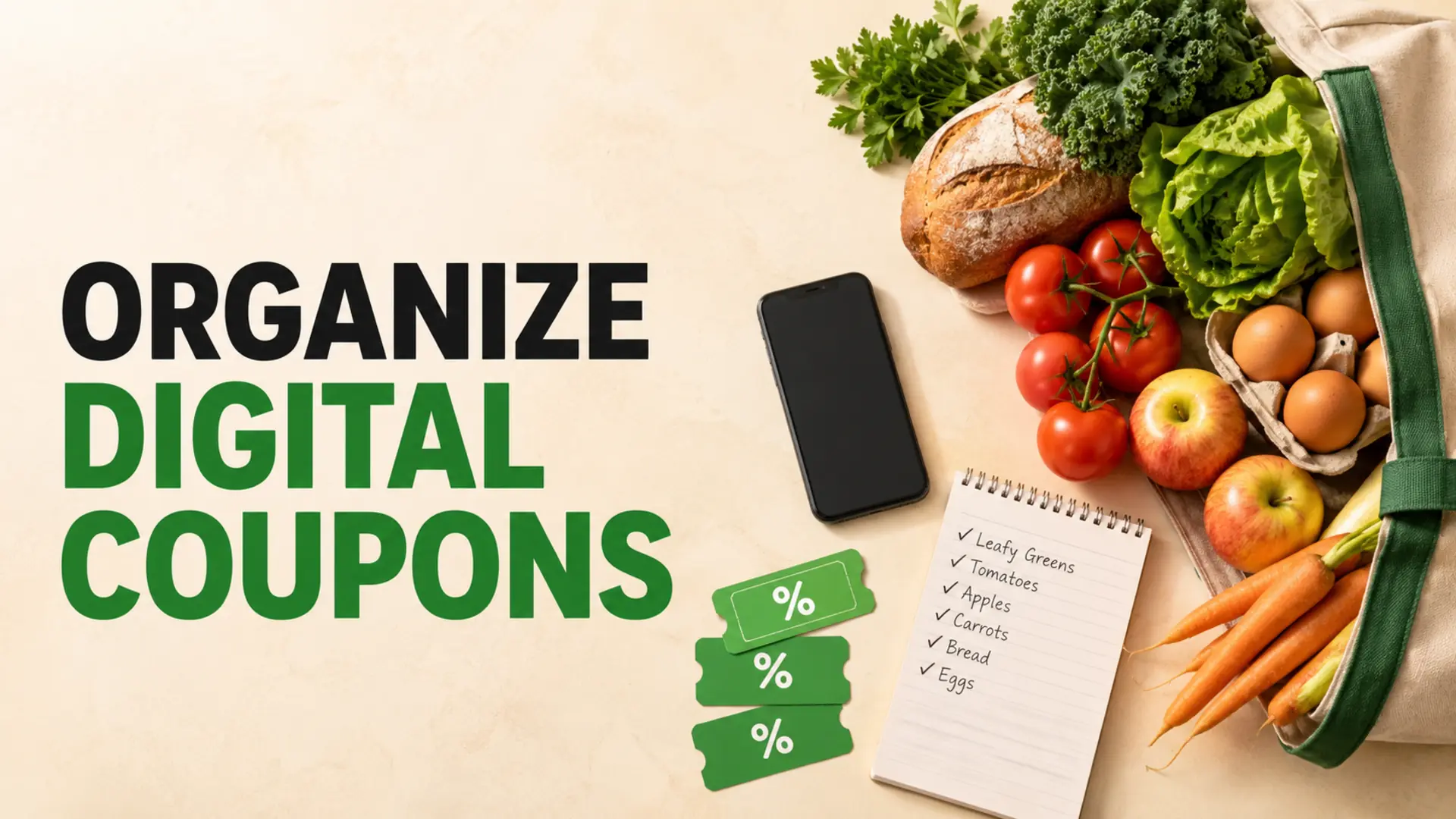
To organize digital coupons without letting discounts control your shopping, build your grocery list first, then match offers to items you already intend to buy. Add the coupon’s essential conditions beside the matching list item and confirm the discount at checkout.
This approach works with a simple notes app, a mobile grocery list, or paper used alongside a retailer’s loyalty account. Coupon systems differ by store and country, so always rely on the current terms shown by the retailer or offer provider.
Why digital coupons become difficult to manage
Digital offers often live in several places: a supermarket account, email, a weekly flyer, a manufacturer promotion, or a cash-back service. The shopping list may be somewhere else. When those systems are not connected by a clear routine, it is easy to forget a clipped offer, choose the wrong package, or buy something unnecessary because the discount looked attractive.
A useful system does not require every service to integrate automatically. It simply creates one dependable place to record which planned items have an offer and what must be checked before purchase.
Organize digital coupons after planning the list
Begin with the meals, household supplies, and pantry replacements you genuinely need. Check what is already at home, estimate sensible quantities, and combine duplicate ingredients. Then review available offers for those items.
This “list first, coupons second” order makes the discount support your plan. It also reduces the temptation to add products that will not be used. If you need a repeatable starting structure, see our guide to making an effective grocery list.
A 6-step digital coupon workflow
1. Choose the store before reviewing offers
Decide where you are likely to shop so you do not spend time sorting offers that cannot be used there. If you may visit two stores, separate each store’s coupons and compare the whole trip—not just one discounted item. Travel time, minimum purchases, and products you still need at another store can affect whether a second stop is worthwhile.
2. Clip only relevant coupons
Review the finished list and clip matching offers. A coupon for an alternative brand may be useful if the product meets your needs and the final value is competitive. Skip an offer when it requires an excessive quantity, an unwanted flavour, or a product you are unlikely to use.
3. Add a concise note to the list item
Record only the details needed to select the right product and verify the offer. A note might include the retailer, required package size, quantity, expiry date, and whether the offer must be activated before checkout.
- “Yogurt — store offer, large tub, check eligible flavours”
- “Canned tomatoes — buy two only if both qualify”
- “Dish soap — loyalty offer expires Saturday”
Do not record a discount amount unless it will help you compare the final price. Keeping notes short makes the mobile list easier to scan in the aisle.
4. Group coupon items by store section
Keep discounted products in the same produce, pantry, refrigerated, frozen, and household sections as the rest of your list. A separate coupon-only list forces you to switch views and can cause you to revisit aisles.
Adapt the order to the store you use. Our guide to organizing a shopping list by aisle explains how to build a store-specific route.
5. Check the conditions in the aisle
Before placing the product in your cart, compare the exact item with the coupon conditions. Look for size ranges, flavours, quantities, participating brands, loyalty requirements, dates, and exclusions. Also compare the final unit price with other available options; a coupon does not automatically make a product the best value.
6. Verify the receipt before leaving
After payment, review the receipt or digital transaction record while the purchase is fresh in your mind. Confirm that expected discounts were applied and keep any documentation required for a rebate. If an offer did not work, follow the retailer’s stated correction process rather than assuming every coupon can be adjusted after purchase.
Understand the main types of digital offers
Retailer or loyalty-account coupons
These offers are usually connected to a retailer account, loyalty identifier, or app. Activation rules and redemption methods vary. Confirm that the correct account is used at checkout and that the offer applies at the selected location.
Manufacturer offers
Manufacturer promotions may be distributed through retailer systems, dedicated coupon services, or product websites. Participating stores and combination rules differ, so read the terms instead of assuming the offer can be stacked with another discount.
Cash-back or receipt offers
These typically require a qualifying purchase followed by a receipt or account submission. Check eligible products, submission deadlines, privacy permissions, payout thresholds, and regional availability before relying on the expected rebate.
How to compare coupon value properly
Compare the price you will actually pay, the quantity you must buy, and the amount your household will use. Unit pricing can help when package sizes differ, but it should be combined with a realistic assessment of waste and storage.
- Would you buy the item without the coupon?
- Is the discounted size practical for your household?
- Is another brand or store brand still less expensive?
- Will the product be used before quality declines?
- Does earning the discount require an extra trip or unrelated purchase?
Planning meals around genuine sale opportunities can be helpful. Our guide to planning dinners around supermarket sales flyers shows how to use offers without rebuilding the entire menu around them.
Coordinate coupons with a shared mobile list
For household shopping, agree on who clips offers and how coupon notes will be written. The person adding a coupon should also add the qualifying item—or confirm that it is already present. The shopper should mark the item complete only after choosing the correct product.
A shared system is useful even when the grocery-list tool and retailer account are separate. For a broader household workflow, read how shared digital shopping lists prevent duplicate purchases.
Protect your time, privacy, and budget
Use only the coupon services you can manage comfortably. Review notification and privacy settings, use strong account credentials, and avoid uploading receipts or personal information to unfamiliar services. Availability, data practices, and redemption rules vary by platform and region.
Set a short review period rather than browsing offers indefinitely. The purpose is to reduce the cost of a planned shop, not to collect the largest number of coupons.
Conclusion
The simplest way to organize digital coupons is to keep the grocery list in charge. Plan what you need, clip only relevant offers, add the essential conditions beside each item, compare final value in the aisle, and verify discounts on the receipt. This works across retailers and countries without depending on automatic integrations or assuming every promotion can be combined.
Frequently Asked Questions
How do I organize digital coupons alongside a grocery list?
Start with the groceries you actually need, then check your retailer’s offers for matching products. Add the coupon’s brand, eligible size, quantity, and expiry date beside the list item. Keep optional deals separate so a discount does not turn into an unplanned purchase.
Do I need to activate digital coupons before shopping?
Many retailer coupons must be clipped or activated in the account linked to your loyalty card before checkout. Check the offer’s instructions and confirm it appears in your saved offers. Do this before entering the store, especially if mobile reception inside is unreliable.
Can I combine a digital coupon with a paper coupon?
Stacking depends on the retailer and the type of coupon. For example, Kroger’s coupon policy limits applicable store or manufacturer coupons per item. Read your own store’s policy and the offer terms before assuming two discounts can apply to the same purchase.
Why did my digital grocery coupon not work at checkout?
Common causes include the wrong package size or flavor, an unmet quantity requirement, an expired offer, or a loyalty account that was not recognized. Compare the receipt with the exact coupon terms. Ask customer service about the discrepancy while the offer and purchase details are still available.
What coupon details should I put in my mobile shopping list?
Record the product name, eligible size or variety, number required, offer expiry, and any purchase limit. Add a short note if the offer requires a loyalty account or a separate rebate submission. These details help you choose the qualifying item without reopening every coupon in the aisle.
How can I compare a coupon deal with a store-brand product?
Compare the final price per ounce, gram, or other matching unit after the coupon. Check that both products meet your needs and that required quantities will be used. A discounted name-brand multipack can still cost more than a smaller store-brand package you would finish.
Are cashback grocery offers the same as digital coupons?
Usually, a digital coupon reduces the price at checkout, while a cashback offer may require a qualifying purchase and a later claim. Follow each offer’s instructions for receipt submission, eligible retailers, deadlines, and exclusions. Keep the receipt until the claim has been accepted.
How do I avoid buying unnecessary groceries just to use coupons?
Give each deal a planned use before adding it to the main list. Check your pantry first and estimate whether the quantity will be eaten before it spoils. If the offer requires spending beyond your grocery budget, leave it in an optional-deals section or skip it.
What is the easiest way to track expiring grocery coupons?
Review saved offers when planning your next trip and put soon-to-expire coupons beside products already on the list. A calendar reminder can help for a particularly useful offer. Remove expired notes afterward so old discounts do not influence your next shopping decision.
Can roommates share one digital coupon shopping plan?
Roommates can share a list of eligible products and agree on quantities, but coupon redemption still depends on the retailer’s account rules. Identify who is shopping and which account will be used. Record the actual receipt discount before splitting the cost of shared groceries.