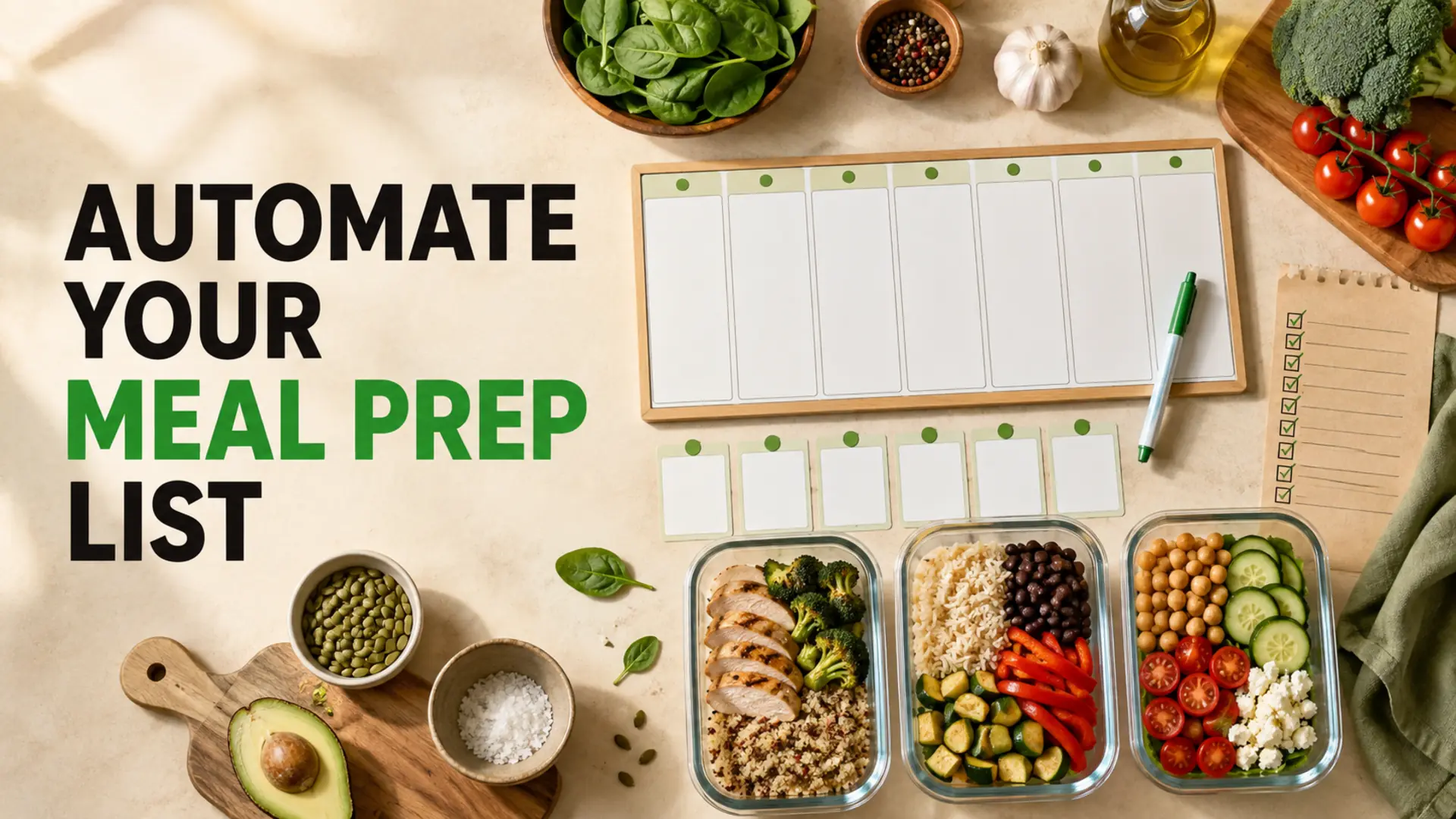
To automate your weekly meal prep shopping list, build one reusable system for staples, recipes, pantry checks and store categories. Instead of starting from a blank note every week, you update the parts that change and keep the rest ready to reuse.
This approach connects meal planning with the groceries you actually need. It helps prevent forgotten ingredients, duplicate pantry purchases and unnecessary backtracking through the store. You do not need complicated software or a rigid meal schedule. You need a clear routine that is easy to repeat.
Why Manual Meal Prep Lists Become Repetitive
Meal planning and grocery shopping are often treated as separate tasks. You choose recipes first, then manually copy every ingredient into a new list. That creates extra work and makes it easy to miss what is already in the pantry.
The most common problems are:
- Starting over: regular items such as eggs, bread, onions and cooking oil must be entered again.
- Buying duplicates: ingredients are added without checking current pantry, refrigerator or freezer stock.
- Missing quantities: vague notes make it difficult to know whether one package is enough.
- Store backtracking: ingredients remain in recipe order instead of being grouped by aisle.
A reusable system solves these problems without making meal prep more complicated. If you need help establishing the basic structure first, use this guide on how to make a grocery list.
How to Automate Your Weekly Meal Prep Shopping List
Step 1: Build a Reusable Staples Checklist
Start with the groceries and household essentials you buy repeatedly. Your list might include milk, eggs, bread, onions, garlic, rice, oats, cooking oil, seasonings and cleaning supplies.
Save these as favourites or keep them in a reusable master list. Before shopping, review each item and add only what is running low. This is faster and more reliable than trying to remember every staple from scratch.
Step 2: Turn Regular Meals into Ingredient Modules
If your household rotates through familiar dinners, save the ingredient group for each meal. A taco-bowl module, for example, could contain rice, beans, peppers, salsa and your preferred protein. Selecting the meal gives you a starting checklist instead of an empty page.
Keep the module flexible. Seasonal substitutions, dietary needs and what you already own should still guide the final list. For planning larger cooking sessions, see the batch cooking guide for beginners.
Step 3: Check the Pantry Before Finalizing
A generated ingredient list is only a draft. Check the pantry, refrigerator and freezer before you shop. Remove anything you already have in a usable quantity and add items that are running low.
- Look behind front-row items so duplicate packages are not overlooked.
- Check fresh ingredients that should be used soon.
- Confirm quantities for ingredients used in more than one meal.
- Review freezer items before buying another package.
Step 4: Group the Final List by Store Section
Sort the final checklist into sections such as produce, bakery, meat and alternatives, pantry, refrigerated, frozen and household supplies. A consistent aisle structure makes the list easier to scan while shopping.
The categories do not need to match every supermarket perfectly. Use broad groups that reflect the stores you visit most often. The goal is one continuous shopping path with fewer forgotten sections.
Use Digital Features That Support the Routine
A useful grocery app should reduce repeated work. Shared household lists can keep multiple shoppers working from the same information. Pantry tracking can support the pre-shopping check, while favourites make recurring items quicker to add.
Barcode scanning can help add packaged items, and offline access keeps the list available in stores with poor reception. Explore the available Smart Grocery List features and use only the tools that make your existing routine easier.
If more than one person contributes to household shopping, a grocery list organizer app can also help prevent separate, conflicting lists.
A Simple Weekly Automation Routine
- Choose the meals you expect to prepare.
- Add the saved ingredient modules for those meals.
- Review the reusable staples checklist.
- Check pantry, refrigerator and freezer stock.
- Remove ingredients you already have.
- Confirm quantities and useful item details.
- Group the final list by store section.
- Share the list with anyone helping with shopping.
After the trip, notice which items were left unused or missed. Adjust the saved staples, meal modules or quantities before the next week. The system becomes more useful as it reflects your household’s real habits.
Common Meal Prep List Traps
- Over-planning perishables: match fragile produce to meals planned earlier in the week and sturdier ingredients to later meals.
- Skipping the pantry check: always compare the draft list with what is already available.
- Using unclear quantities: write useful amounts such as two cans or three peppers instead of “some.”
- Automating too much: keep room for substitutions, leftovers and changes in household plans.
- Maintaining several lists: use one shared source so updates are not missed.
Make the System Easy to Repeat
The best automated meal prep list is not the most complex one. It is the system you can update quickly every week. Begin with reusable staples and store categories, then add meal modules and pantry tracking when they solve a real problem.
Once the routine is established, weekly planning becomes a review rather than a complete rewrite. You still decide what to cook, but you spend less effort rebuilding the same grocery-list structure.
Frequently Asked Questions
What does automating a meal prep shopping list actually mean?
It means reusing staples checklists and ingredient groups so you do not rebuild the same list each week. Some software can generate lists, but a saved template can also reduce repeated work. You still need to review quantities, meal changes and kitchen stock before buying anything.
How do I turn a weekly meal plan into a shopping list?
List the ingredients for each selected meal, combine matching items and subtract what you already have. Add breakfast supplies and household essentials separately. Finish by grouping the remaining purchases by store section, using clear amounts rather than copying vague ingredient names.
What is a reusable meal ingredient module?
It is a saved checklist for a meal you cook repeatedly, such as rice, beans, peppers and salsa for a bowl. Keep quantities tied to a known serving count. When reusing the module, adjust it for the week rather than assuming the same ingredients and amounts are always needed.
How do I combine duplicate ingredients from different recipes?
Add quantities only after checking the units and ingredient form. Two recipes needing chopped onions can share one total, but fresh tomatoes and canned tomatoes are different purchases. Convert compatible amounts carefully, then write a purchase quantity that makes sense for the package or loose product.
Can I automate meal prep shopping with a spreadsheet?
Yes. Keep a sheet of regular meals and ingredient amounts, then create a weekly list from the meals you select. Start with a simple copy-and-review workflow before adding formulas. Maintain a separate stock check so the final list reflects what is already available.
Which pantry staples belong on a reusable shopping checklist?
Choose staples you actually use, such as rice, oats, canned beans, oil and seasonings, along with regular breakfast ingredients. Include non-food essentials if they are part of your usual trip. Review each saved item and move it to the shopping list only when supplies need replacing.
Will Smart Grocery List automatically import ingredients from any recipe?
The app’s documented tools include shared lists, favorites, pantry tracking and barcode scanning. Do not assume automatic recipe importing is included unless current product documentation confirms it. You can use saved staples and a manually reviewed recipe checklist to reduce repeated list-building work.
How do I adapt a meal prep list when plans change?
Remove meals you no longer expect to cook, then check whether their ingredients are needed elsewhere. Adjust quantities before shopping and favor usable ingredients already at home. Keep one flexible meal option so a canceled dinner does not require rebuilding the entire weekly list.
How do I share a meal prep shopping list with my family?
Finalize one list with quantities and important preferences, then give household members access through your chosen sharing tool. Ask contributors to add requests there rather than in separate messages. Agree who will review duplicates and check off purchases during the shopping trip.
What is the biggest mistake in automated grocery lists?
Treating a generated list as final without checking existing food is a common problem. Templates cannot account for a half-used package unless that information is maintained. Review the pantry, refrigerator and freezer, then confirm the meal schedule before accepting the suggested purchases.