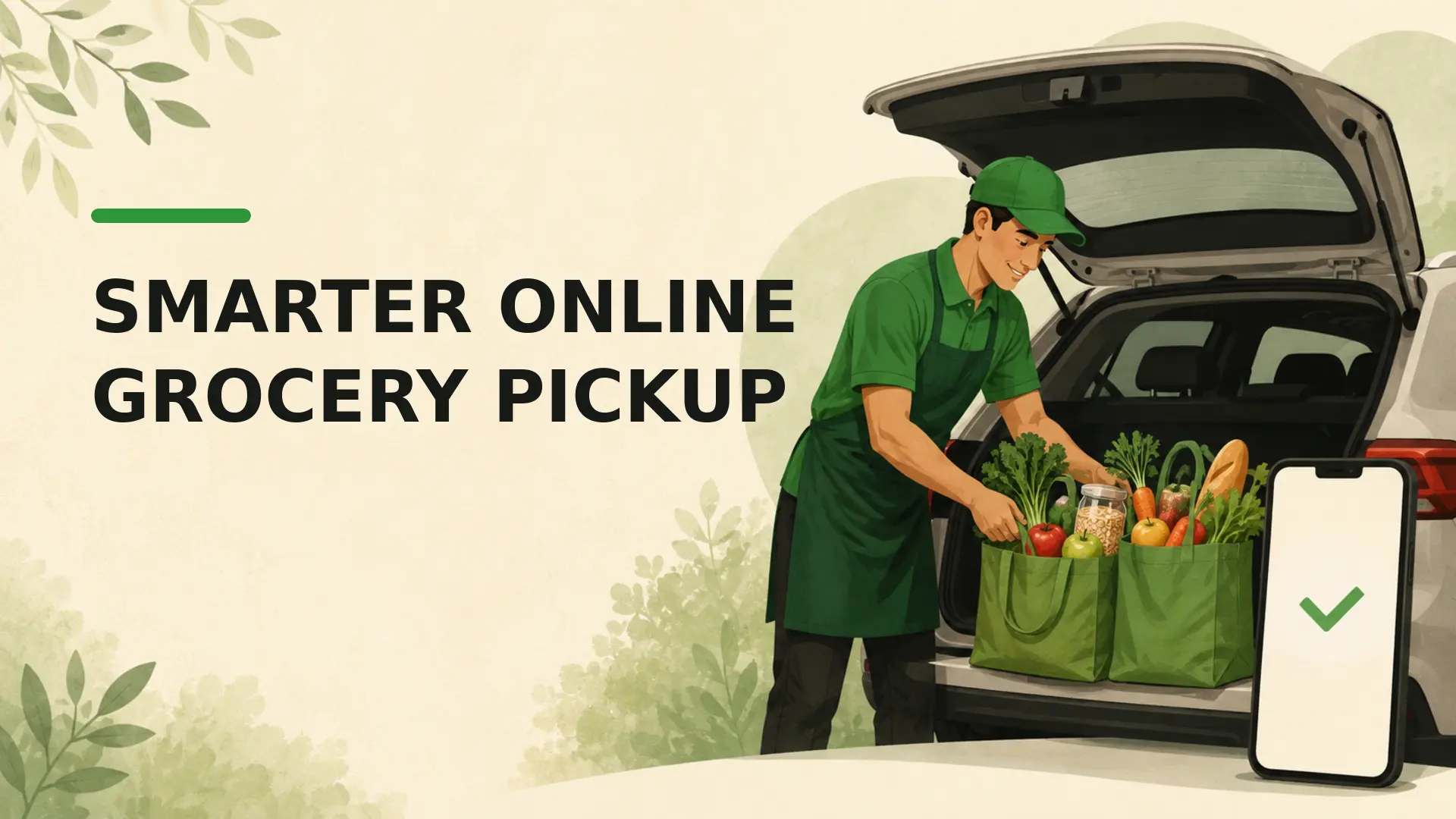
Online grocery pickup can reduce cart spending when it helps you shop from a list, watch the subtotal and remove extras before checkout. It does not guarantee a lower bill: item prices, pickup fees, minimum orders, substitutions and promotions vary by retailer and location. The right question is whether your final pickup order costs less than a comparable in-store trip.
How online grocery pickup can support a budget
Shopping through a website or app changes the buying environment. You can search for planned items directly, review the running subtotal and compare the cart with your kitchen inventory. This can make unplanned products easier to notice before placing the order.
However, digital stores also feature sponsored products, recommendations, limited-time promotions and minimum-order prompts. Online ordering reduces some in-store cues but introduces different ones. A written list and a deliberate review step still matter.
Build the list before opening the retailer site
Check upcoming meals, household staples, the refrigerator, freezer and pantry first. Then create a list with quantities and acceptable alternatives. Our guide on how to make a grocery list provides a practical inventory-to-list workflow.
Opening the store before planning can turn recommendations into the plan. Starting with a list keeps the retailer’s interface in a supporting role.
Use the running subtotal carefully
The cart subtotal is helpful, but it may not be the final amount. Check whether taxes, deposits, bags, service charges, pickup fees or other costs appear later in checkout. Weighted products may also be estimated until the order is prepared.
Review both the merchandise subtotal and the final estimated total. If the order exceeds your target, remove optional items or choose lower-cost alternatives without cutting necessary food simply to meet an arbitrary number.
Compare online and in-store item prices
Some retailers use the same prices online and in store; others do not, and third-party marketplaces may set different prices or fees. Promotions can also differ by channel. Check the retailer’s current terms and compare a few frequently purchased products.
Use unit prices when package sizes differ. A personal grocery price record helps identify whether the convenient pickup price is still reasonable. The grocery price book guide explains how to track comparable prices over time.
Account for fees and minimum orders
Pickup is not universally free. A retailer may charge a fee, waive it above a threshold, restrict available time slots or connect benefits to a membership. Do not add unnecessary groceries merely to avoid a smaller fee or reach a minimum.
Compare the complete transaction:
- online item prices and eligible promotions;
- pickup, service, bag and membership costs;
- transport or parking costs for an in-store trip;
- the value of time and accessibility for your household;
- likely waste from quantities added to meet a threshold.
The broader grocery delivery versus in-store cost comparison offers a useful framework that can also be adapted for pickup.
Set substitution rules before checkout
Out-of-stock replacements can change the total or leave a meal incomplete. For each important item, choose one of three options: allow a specific substitute, allow the shopper to select within a price or size limit, or request no substitute.
Review how the retailer handles price differences, promotions, approval messages and refunds. These policies vary. If an ingredient is essential, list a flexible meal alternative so one unavailable product does not trigger another shopping trip.
Control digital recommendations and promotions
- Search for list items directly rather than browsing every department.
- Compare unit prices before choosing a promoted product.
- Ignore multi-buy offers unless the quantity fits your plan and storage.
- Keep optional items in a separate section until the essentials are complete.
- Pause before checkout and remove anything added only because it was recommended.
The same pause rule used to stick to a shopping list and avoid impulse purchases works online, even though the prompts look different.
Inspect the order at pickup
When the service allows it, review substitutions, unavailable items and the final receipt before leaving. Check packaging integrity, dates where relevant and the condition of perishable foods. Follow the retailer’s process promptly for missing, damaged or unsuitable items.
Bring chilled and frozen items home without unnecessary delay and store them safely. Pickup convenience does not replace normal food-handling precautions.
Run a fair pickup-versus-store test
Compare several similar shopping cycles rather than one unusually large or promotional order. Record:
- planned items and unplanned additions;
- final item cost, fees and refunds;
- out-of-stock items and substitutions;
- travel and pickup time;
- food left unused at the end of the cycle.
Pickup may lower spending for one household and add cost for another. Your receipts and food use provide better evidence than a universal savings percentage.
When in-store shopping may work better
In-store shopping may be preferable when you need to inspect produce closely, compare markdowns unavailable online, buy a very small order, avoid service charges or choose an exact replacement. Some people also find retailer websites inaccessible or difficult to navigate.
A hybrid approach can work: use pickup for repeat staples and shop selectively for products where condition, price or choice matters most.
A practical online grocery pickup routine
- Plan meals and check inventory.
- Create a list with quantities and substitution rules.
- Add essentials using direct search.
- Compare unit prices and applicable promotions.
- Review fees, minimums and the estimated final total.
- Remove unplanned recommendations.
- Inspect substitutions and the receipt at pickup.
- Record the result for your next comparison.
Bottom line
Online grocery pickup can make spending easier to control by keeping the list, inventory and subtotal visible. Its value depends on final prices, fees, substitutions and how you respond to digital promotions. Test it against comparable store trips, then use the channel that produces the best mix of cost, food quality, time and accessibility for your household.
For general healthy-eating guidance, consult Canada’s Food Guide or the public-health guidance where you live.
Frequently Asked Questions
Does grocery pickup always reduce spending?
No. It can reduce physical-store impulse buying and show a running total, but online recommendations, item-price differences, fees, minimum orders, and substitutions can increase cost. Compare complete pickup and in-store totals for similar baskets.
Are online grocery prices the same as in-store prices?
Sometimes, but retailers and third-party platforms may use different prices and promotions. Read the pricing disclosure and compare several identical products. Loyalty discounts, clearance items, and digital offers may also differ by channel.
How can I avoid impulse buys while ordering groceries online?
Make the list before opening the retailer site, search directly for each item, and avoid browsing home-page promotions. Turn off irrelevant alerts and review the cart for additions that do not serve a planned meal or need.
How do substitutions affect a pickup order budget?
A replacement may cost more, come in a larger size, or not suit the recipe. Set item-level preferences, choose no substitution where appropriate, and review the retailer’s pricing policy. Keep a backup meal in case an essential item is unavailable.
Should pickup fees be included in grocery spending?
Yes. Include pickup, service, bag, small-order, membership, and any other checkout charges. If membership covers several services, allocate it reasonably. A lower item subtotal does not prove the pickup order cost less overall.
Can a running online subtotal help control the grocery budget?
Yes, if it reflects current prices and fees. Review it before checkout, remove low-priority extras, and keep a buffer for weighed items or substitutions. The early subtotal may not equal the final charge.
How do I inspect groceries at pickup?
Check the order promptly for missing, damaged, leaking, thawed, or unsuitable items, and confirm substitutions. Keep cold food cold during transport. Follow the retailer’s correction process and food-safety guidance rather than accepting a compromised product.
Is pickup better than delivery for saving money?
Pickup often avoids delivery charges and tips, but it can still have item markups, fees, or minimums. Compare final totals for the same basket. Transportation, accessibility, and time also affect which option provides better value.
How can I test whether pickup truly saves my household money?
Compare several normal pickup orders with similar in-store trips, including fees, travel, substitutions, and unplanned purchases. Use the same categories and quantities. One unusually promotional order is not enough to establish a pattern.
When is in-store grocery shopping the better option?
In-store shopping may suit people who need direct control over produce, meat, expiry dates, clearance, or immediate substitutions. It can also be cheaper when online prices or fees are higher. Choose based on the full trip, not a universal claim.